Wava AI
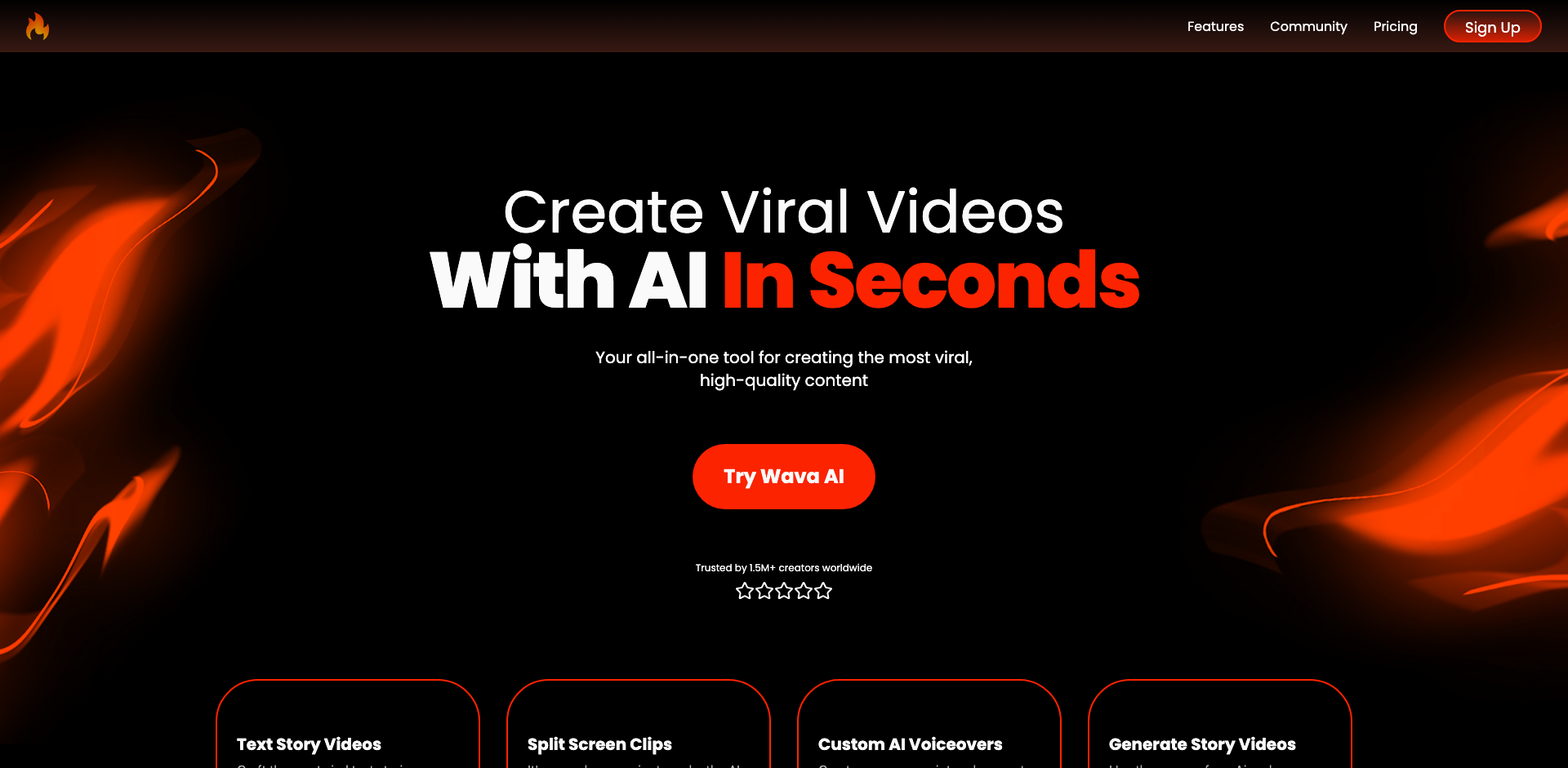
Wava AI is an intelligent audio waveform visualization generator that transforms audio files into stunning, customizable animated waveforms perfect for social media, podcasts, and music promotion. The platform leverages AI technology to automatically create engaging visual content that synchronizes perfectly with your audio tracks.
What is Wava AI
Wava AI represents a cutting-edge solution for content creators, musicians, podcasters, and marketers who need to transform their audio content into visually captivating experiences. The platform utilizes advanced AI algorithms to analyze audio frequencies and generate dynamic waveform animations that respond precisely to the rhythm, beats, and intensity of your sound files.
At its core, Wava AI eliminates the technical complexity traditionally associated with audio visualization. Users can upload various audio formats and instantly receive professionally designed waveform animations without any video editing expertise. The AI engine automatically detects audio peaks, bass frequencies, and melodic patterns to create visualizations that feel naturally synchronized with the music or voice content.
The platform offers extensive customization options including multiple waveform styles (bars, circles, lines, and abstract patterns), color schemes, backgrounds, and animation effects. Users can add their branding elements, logos, and text overlays to create cohesive content that aligns with their visual identity. The tool supports various export formats and aspect ratios optimized for different social media platforms including Instagram, TikTok, YouTube, and Twitter.
Wava AI particularly shines for podcasters looking to promote episodes on social media, musicians wanting to share snippets of their tracks, and content creators needing quick turnaround on audio-visual content. The platform's intuitive interface combined with powerful AI capabilities makes professional-quality audio visualization accessible to everyone, regardless of their technical background or design experience.
How to use Wava AI
- 1 STEP 1: Upload your audio file (MP3, WAV, or other supported formats) directly to the Wava AI platform by dragging and dropping or selecting from your device
- 2 STEP 2: Select your preferred waveform visualization style from options like circular waves, bar equalizers, line patterns, or abstract frequency displays
- 3 STEP 3: Customize the visual appearance by choosing colors, gradients, background images or videos, and adjusting the waveform's responsiveness to audio frequencies
- 4 STEP 4: Add branding elements including your logo, custom text, song title, artist name, or call-to-action overlays positioned anywhere on the canvas
- 5 STEP 5: Preview the synchronized animation, select your desired export format and aspect ratio (square for Instagram, vertical for TikTok, widescreen for YouTube), then render and download your finished video
Primary Features
Applications & Use Cases
- Podcasters creating audiogram clips to promote new episodes across social media platforms with engaging visual snippets
- Musicians and DJs sharing track previews on Instagram and TikTok with eye-catching waveform visualizations that showcase their sound
- Marketing teams producing audio-visual content for product launches, advertisements, and brand campaigns featuring voiceovers or music
- YouTube creators generating visualizers for music uploads, meditation tracks, or audio-focused content requiring visual accompaniment
- Social media managers repurposing audio testimonials, quotes, and soundbites into shareable video content for increased engagement
Pricing
Wava AI offers a free tier that allows users to create basic waveform visualizations with limited customization options and watermarked exports.
The Starter plan begins at approximately $9/month, providing watermark-free exports, additional waveform styles, and higher resolution outputs.
The Pro plan at around $19/month unlocks all visualization templates, 4K export quality, priority rendering, and advanced customization features including custom backgrounds and unlimited projects.
For teams and agencies, Wava AI offers Business plans with volume pricing, team collaboration features, API access, and dedicated support.
Annual billing typically provides significant discounts across all paid tiers.