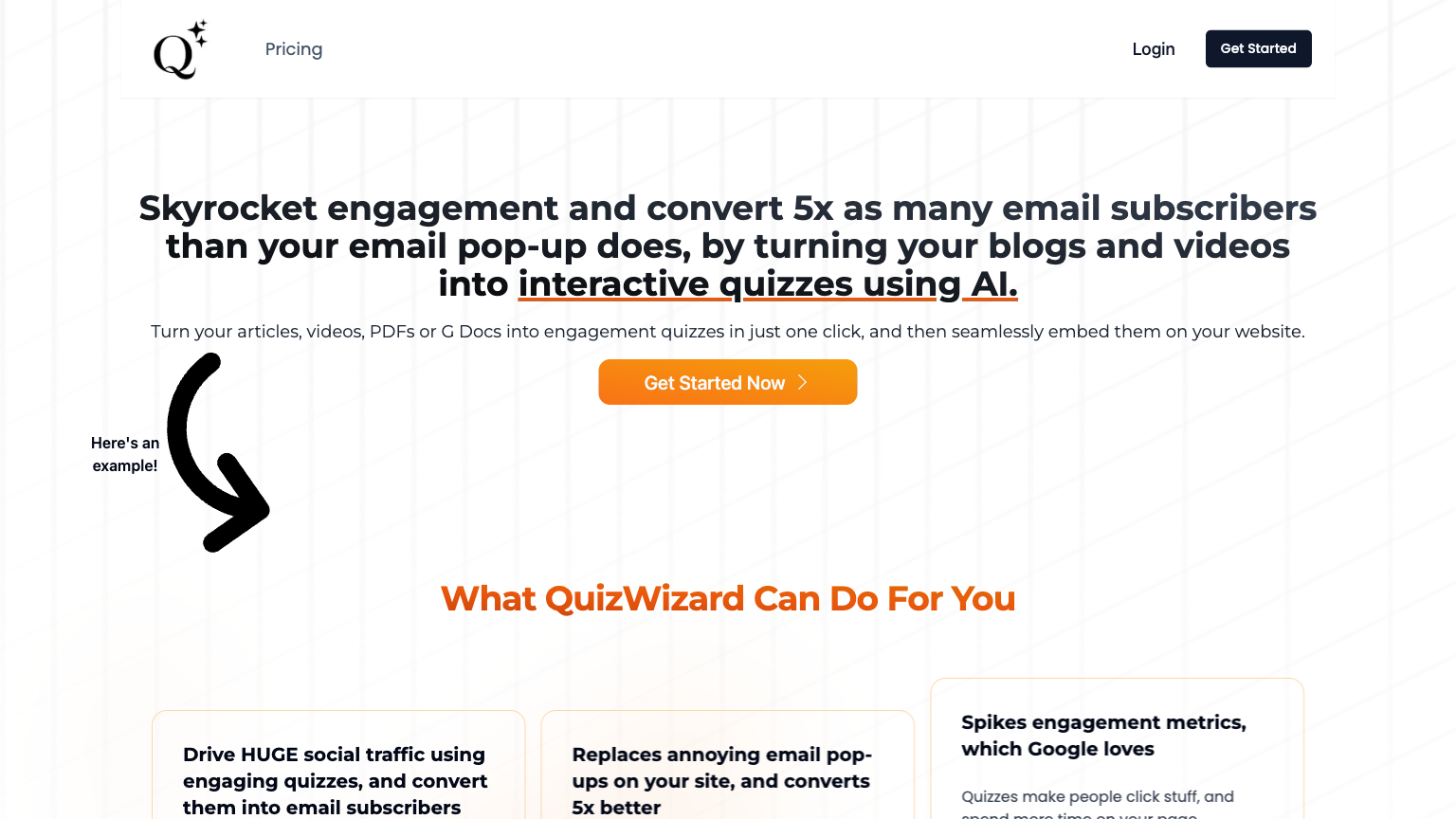
VidToQuiz
VidToQuiz is a cutting-edge content creation tool designed to help users transform their videos into interactive quizzes, assessments, and educational content. It utilizes AI-powered technology to automate the process of creating engaging quizzes, making it an excellent choice for educators, marketers, and content creators. This tool enables users to create interactive content that enhances engagement, fosters learning, and increases audience participation.
What is VidToQuiz
VidToQuiz is a comprehensive tool that empowers users to create immersive and interactive content from their videos. It leverages artificial intelligence and machine learning algorithms to analyze video content, detect key moments, and generate interactive quizzes, assessments, and educational materials. The tool's AI engine automatically identifies relevant information, creates logical questions, and generates multiple-choice answers, making it an efficient and time-saving solution for content creators.
With VidToQuiz, users can easily customize the appearance, layout, and behavior of their quizzes, enabling them to tailor the content to their target audience and branding. Furthermore, the tool allows users to share their quizzes on various platforms, including social media, websites, and learning management systems, making it an excellent choice for educators, marketers, and content creators. The tool's key capabilities include automated quiz generation, customization options, and seamless integration with popular platforms, making it a valuable asset for anyone looking to create engaging and interactive content.
How to use VidToQuiz
- 1 STEP 1: Upload your video to VidToQuiz and select the desired quiz type, such as multiple-choice, true/false, or open-ended questions.
- 2 STEP 2: Use the AI-powered video analysis tool to automatically detect key moments, identify relevant information, and generate logical questions and multiple-choice answers.
- 3 STEP 3: Customize the appearance, layout, and behavior of your quiz by selecting from various templates, themes, and branding options.
- 4 STEP 4: Review and edit your quiz content to ensure accuracy and relevance, and make any necessary adjustments to the questions, answers, and scoring.
- 5 STEP 5: Share your quiz on various platforms, including social media, websites, and learning management systems, to reach a wider audience and track engagement metrics.
Primary Features
Applications & Use Cases
- Educators creating interactive assessments and quizzes for students
- Marketers developing engaging quizzes and assessments for lead generation and brand awareness
- Content creators producing immersive and interactive content for social media and websites
- Researchers and scientists creating quizzes and assessments for educational and research purposes
- Businesses and organizations developing quizzes and assessments for training and employee development
Pricing
VidToQuiz offers a free plan with limited features, a Pro plan at $29/month with advanced features, and a Business plan at $99/month with custom pricing for large enterprises.
The Pro plan includes automated quiz generation, customization options, and integration with popular platforms, while the Business plan adds advanced analytics, collaboration tools, and scalable architecture.