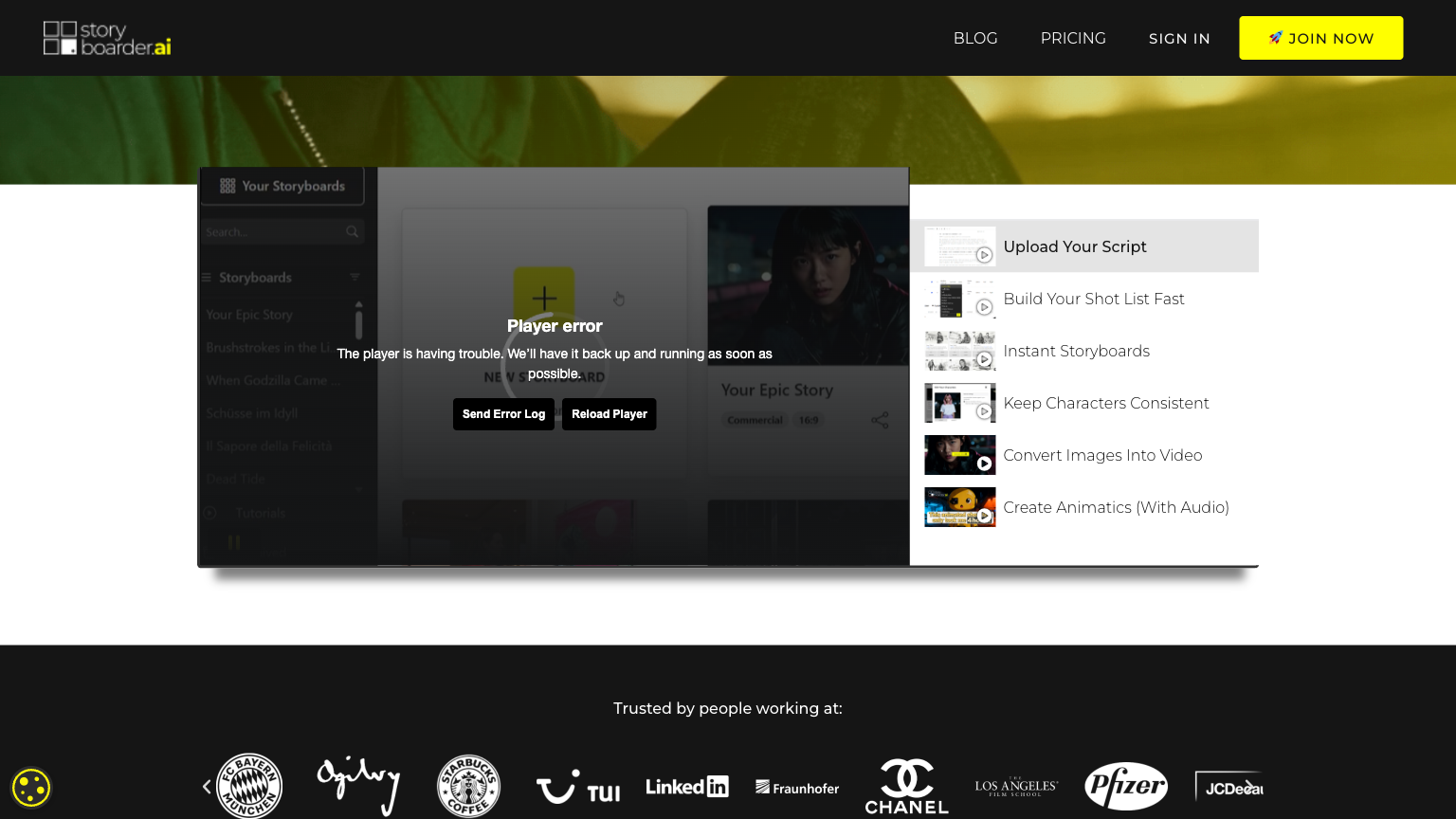
Storyboarder
Storyboarder is a comprehensive digital storyboarding tool designed for filmmakers, animators, and content creators. It offers a user-friendly interface for planning and visualizing the sequence of shots in a scene, allowing users to create compelling and engaging stories. With its intuitive workflow and advanced features, Storyboarder streamlines the pre-production process, saving time and effort for creators.
What is Storyboarder
Storyboarder is a powerful digital tool that enables users to create, edit, and share storyboards for film, animation, and other visual content. It utilizes AI-powered technology to automate the process of planning and organizing shots, allowing creators to focus on the creative aspects of their project. With its extensive library of assets and intuitive interface, Storyboarder supports users in developing a clear visual narrative, making it an essential tool for content creators.
The tool's advanced features, such as automatic shot listing and sequence editing, make it easy to visualize and refine the sequence of shots, ensuring a smooth and efficient production process. Furthermore, Storyboarder's collaboration features enable teams to work together in real-time, facilitating seamless communication and feedback. By harnessing the power of AI and automation, Storyboarder empowers creators to bring their vision to life, resulting in high-quality and engaging content.
How to use Storyboarder
- 1 STEP 1: Launch Storyboarder and create a new project by selecting a template or starting from scratch, choosing the project type, and setting the aspect ratio and resolution.
- 2 STEP 2: Import reference images, sketches, or footage into the project, and use the AI-powered asset organizer to categorize and tag assets for easy access.
- 3 STEP 3: Use the drawing and editing tools to create and refine the storyboard, including adding text, shapes, and other visual elements.
- 4 STEP 4: Apply the automatic shot listing feature to generate a list of shots based on the storyboard, and use the sequence editor to organize and refine the order of shots.
- 5 STEP 5: Export the final storyboard as a PDF or image file, or share it with team members or clients for review and feedback.
Primary Features
Applications & Use Cases
- A freelance animator uses Storyboarder to plan and visualize a short film project, importing reference images and sketches to create a compelling storyboard.
- A film production team uses Storyboarder to collaborate on a feature film project, sharing and reviewing the storyboard in real-time and making changes as needed.
- A student filmmaker uses Storyboarder to create a student film project, leveraging the AI-powered asset organizer to manage assets and streamline the workflow.
- A content creator uses Storyboarder to plan and visualize a social media campaign, using the drawing and editing tools to create engaging storyboards.
- A studio uses Storyboarder to develop a pitch for a new TV series, using the collaboration features to work with writers, directors, and producers in real-time.
Pricing
Storyboarder offers a free plan with basic features, including access to the AI-powered asset organizer, automatic shot listing, and collaboration features.
Paid plans start at $19.99/month for the Pro tier, which includes advanced features such as customizable project templates, real-time preview, and commenting.
The Business tier at $49.99/month adds additional features, including enterprise-level collaboration and asset management.
Custom Enterprise pricing is available for large-scale productions and teams.
Category