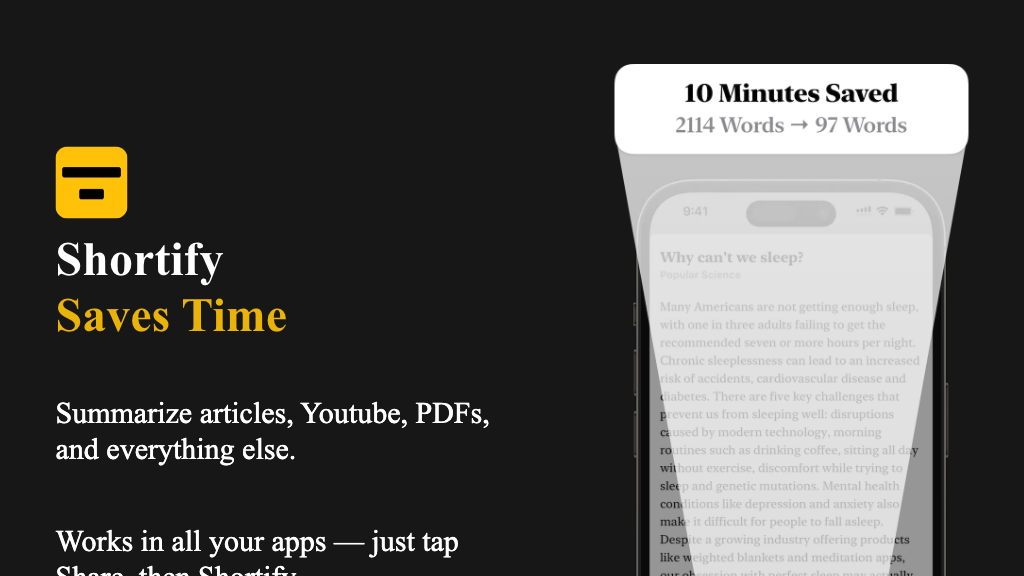
Shortify
Shortify is a comprehensive content creation tool designed specifically for YouTube creators and content producers. It helps users streamline their video content production process, from planning to publishing, by providing a suite of innovative features and tools. With Shortify, users can effortlessly create engaging videos, collaborate with team members, and track their content's performance.
What is Shortify
Shortify is a cutting-edge content creation platform that empowers users to create high-quality video content quickly and efficiently. Its core technology is built on a robust cloud-based infrastructure, allowing users to access a wide range of features and tools from anywhere, at any time. Key capabilities of Shortify include video editing, visual effects, motion graphics, and color grading, making it an ideal solution for content creators who want to produce professional-grade videos without the need for expensive software or hardware.
Shortify's user-friendly interface and drag-and-drop functionality make it easy for users to navigate and utilize its features, even for those with limited experience in video editing. Whether you're a seasoned content creator or just starting out, Shortify's unique value proposition lies in its ability to help users produce high-quality content in a fraction of the time it would take using traditional methods. By leveraging Shortify's innovative features and tools, users can focus on what matters most – creating engaging and compelling content that resonates with their audience.
In a crowded market of content creation tools, Shortify stands out for its commitment to user experience, flexibility, and affordability, making it an essential tool for anyone looking to take their video content to the next level.
How to use Shortify
- 1 STEP 1: Launch Shortify and create a new project by selecting the desired video template and setting the project's resolution, frame rate, and aspect ratio.
- 2 STEP 2: Import your footage, images, and audio files into Shortify's media library, and start organizing them using the intuitive folder structure and tagging system.
- 3 STEP 3: Use Shortify's advanced video editing tools to trim, split, and merge clips, as well as add transitions, effects, and color grading to enhance the visual appeal of your video.
- 4 STEP 4: Leverage Shortify's collaboration features to invite team members to contribute to your project, assign tasks, and track progress in real-time.
- 5 STEP 5: Publish your final video to YouTube, Vimeo, or other supported platforms, and track its performance using Shortify's built-in analytics and reporting tools.
Primary Features
Applications & Use Cases
- A YouTuber creates a series of tutorial videos using Shortify's advanced video editing tools and publishes them to their channel, resulting in a significant increase in engagement and subscribers.
- A marketing team uses Shortify to create a series of promotional videos for their product launch, leveraging the platform's collaboration features to work with multiple team members and ensure a seamless production process.
- A vlogger uses Shortify to create a travel vlog, taking advantage of the platform's motion graphics and typography tools to add a professional touch to their video.
- A business owner uses Shortify to create a series of explainer videos for their website, utilizing the platform's color grading and visual effects tools to create a consistent brand identity.
- A filmmaker uses Shortify to create a short film, leveraging the platform's advanced video editing tools and collaboration features to work with a team of editors and producers.
Pricing
Shortify offers a free plan with basic features, including video editing, visual effects, and motion graphics.
Paid plans start at $19.99/month for the Pro tier, which includes advanced features such as color grading, collaboration tools, and automatic video optimization.
The Business tier at $49.99/month includes additional features such as custom branding, priority support, and advanced analytics.
Enterprise pricing is available for large teams and organizations, with custom plans tailored to meet specific needs and requirements.
Category