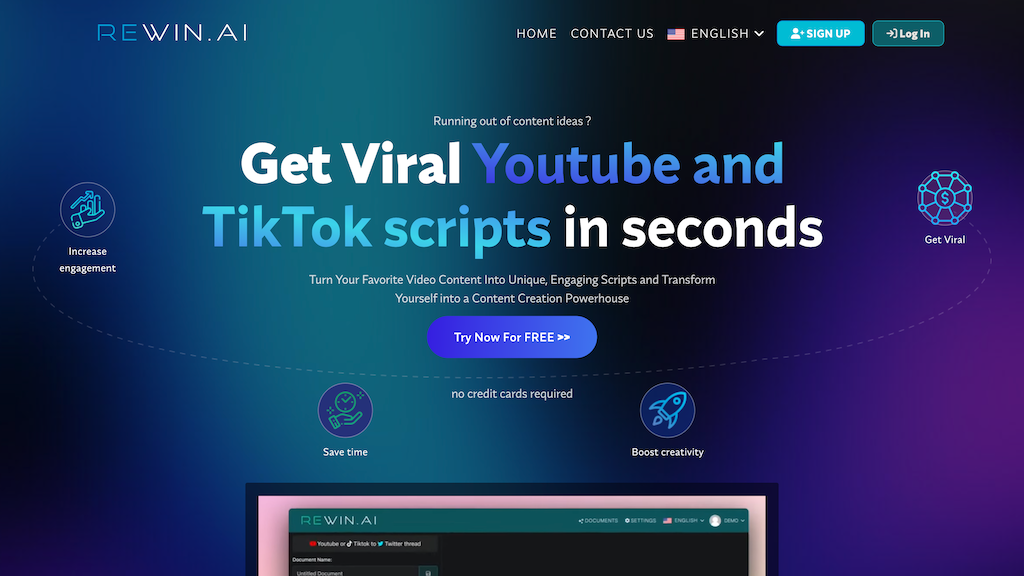
Rewin AI
Rewin AI is an innovative content creation tool specifically designed for YouTube creators. It offers a range of features that help users enhance their video content, including AI-powered video editing, color grading, and audio mixing.
What is Rewin AI
Rewin AI is a cutting-edge video editing and content creation tool tailored for YouTube creators. Its core technology is based on AI-driven video analysis, which enables users to quickly identify and enhance key elements of their video content. The tool's key capabilities include AI-powered video editing, color grading, and audio mixing, making it an essential companion for creators looking to elevate their content.
With Rewin AI, users can create professional-looking videos with ease, even without extensive video editing experience. The tool's user-friendly interface and intuitive workflow make it accessible to creators of all levels, from beginners to pros. Rewin AI's unique value proposition lies in its ability to automate time-consuming video editing tasks, allowing creators to focus on their content and storytelling.
Its standout feature is the AI-powered video analysis, which provides users with actionable insights and suggestions to improve their video content. In contrast to other video editing tools, Rewin AI offers a more streamlined and efficient workflow, saving creators time and effort in the editing process. By leveraging AI technology, Rewin AI helps creators produce high-quality content faster and more effectively.
How to use Rewin AI
- 1 STEP 1: Connect your YouTube account to Rewin AI and import your video content for analysis and editing
- 2 STEP 2: Use Rewin AI's AI-powered video analysis to identify key elements of your video, such as color palettes, audio levels, and visual effects
- 3 STEP 3: Customize your video with Rewin AI's color grading, audio mixing, and visual effects tools, tailored to your content's specific needs
- 4 STEP 4: Use Rewin AI's advanced editing features, including AI-assisted trimming, splitting, and merging, to refine your video's structure and pacing
- 5 STEP 5: Export your enhanced video in the desired format, including 4K and HD resolutions, and upload it directly to YouTube
Primary Features
Applications & Use Cases
- Creating engaging thumbnails and intros for YouTube videos
- Enhancing video content for social media platforms, such as TikTok and Instagram
- Producing high-quality videos for educational and training purposes
- Developing professional-looking videos for marketing and advertising campaigns
- Streamlining video editing workflows for large-scale content creation teams
Pricing
Rewin AI offers a free plan with limited features, including AI-powered video analysis and basic editing tools.
Paid plans start at $19.99/month for the Basic tier, which includes advanced editing features, color grading, and audio mixing.
The Pro tier at $49.99/month adds visual effects and motion graphics capabilities, as well as priority customer support.
Custom Enterprise pricing is available for large-scale content creation teams and businesses, with tailored features and support packages.
Category