Pixlr
Pixlr is a comprehensive online photo editing suite with AI features including background removal, image generation, and automated editing tools.
What is Pixlr
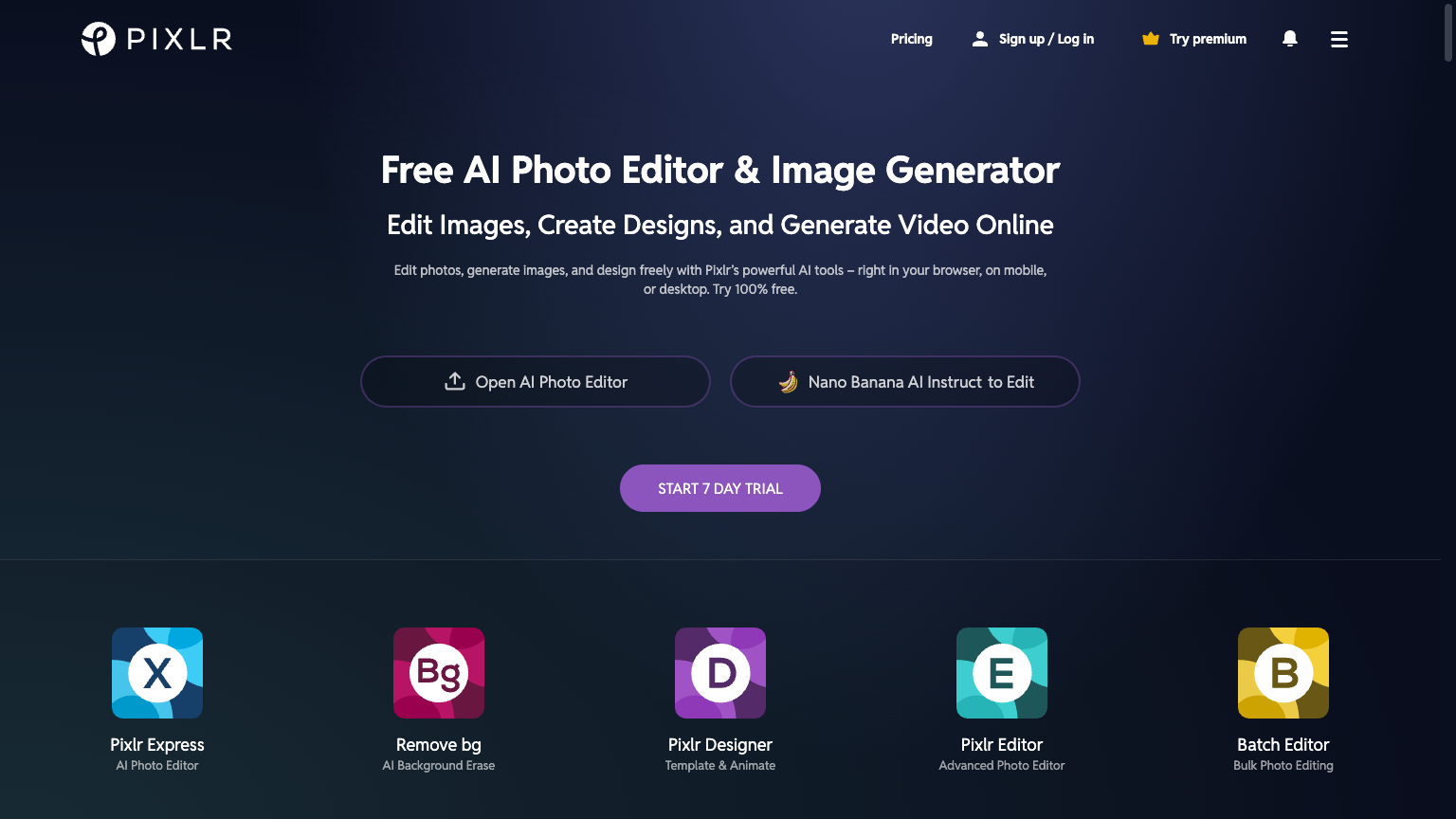
Pixlr is a long-established online photo editing platform that has evolved to include powerful AI features alongside traditional editing tools. The platform offers AI-powered background removal, automatic photo enhancement, AI image generation, and various AI filters and effects. Pixlr provides both a full-featured editor (Pixlr E) and a simplified editor (Pixlr X) to serve different user needs and skill levels.
The platform works entirely in the browser, requiring no installation. Pixlr's AI tools complement its comprehensive traditional editing capabilities, offering a complete photo editing solution. The platform serves everyone from casual users to professional designers who need quick access to editing tools.
For users seeking a comprehensive online photo editor with AI enhancements, Pixlr provides accessible yet powerful image editing.
How to use Pixlr
- 1 Access Pixlr in your web browser.
- 2 Choose Pixlr E (advanced) or Pixlr X (simple) editor.
- 3 Upload images and use AI or manual editing tools.
- 4 Export edited images in preferred format.
Primary Features
Applications & Use Cases
- Photo editing online
- Quick image fixes
- Background removal
- Design and graphics work
- Social media images
- Professional photo editing
Pricing
Free tier available.
Premium plans for full features and no ads.
Category