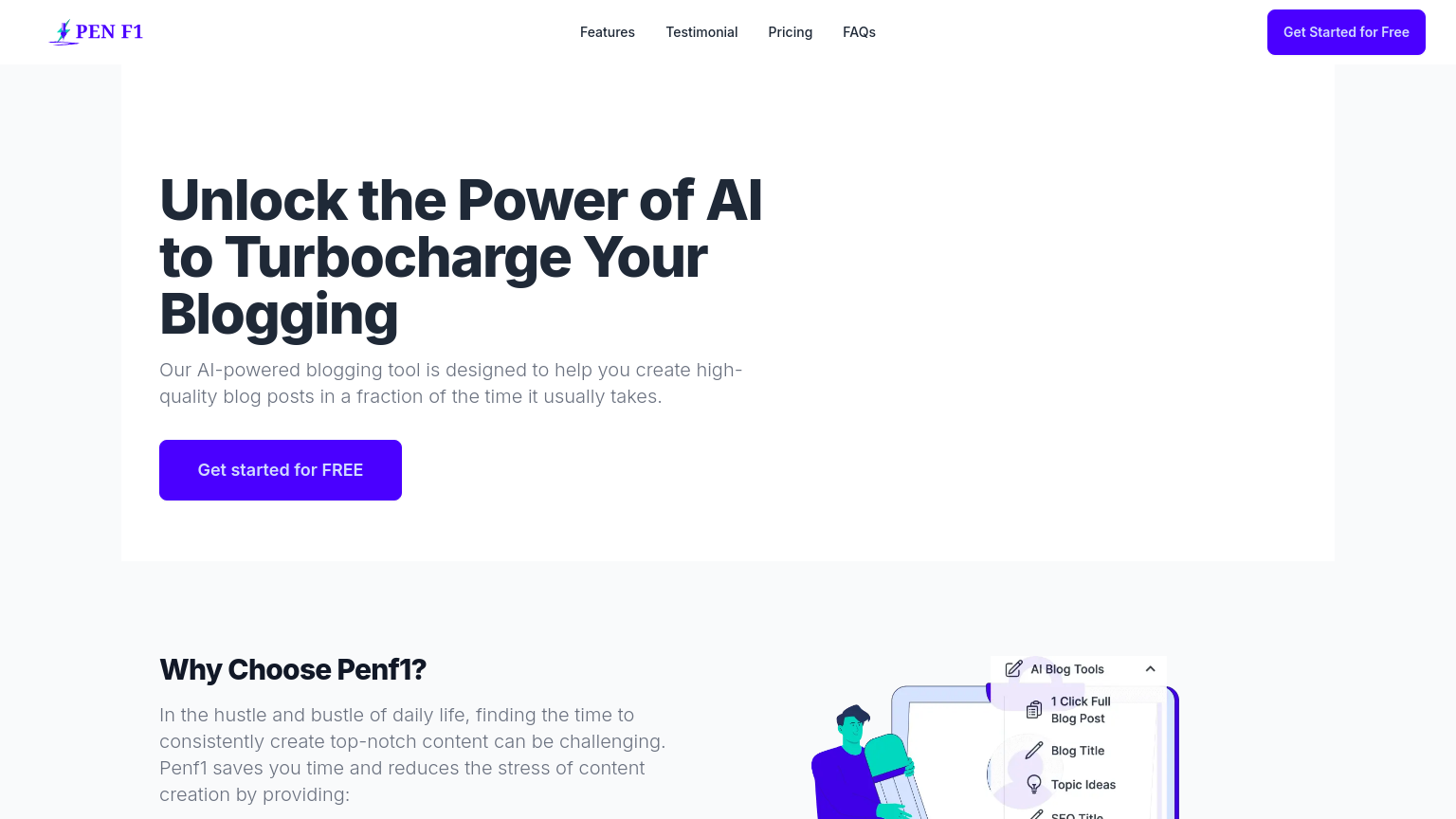
Penf1
Penf1 is a comprehensive content creation platform that empowers users to craft engaging, interactive content experiences with ease. Leveraging a robust drag-and-drop interface, Penf1 enables users to create immersive stories, presentations, and interactive visualizations without extensive coding knowledge. Whether you're a content creator, marketer, or educator, Penf1 is designed to help you bring your ideas to life.
What is Penf1
Penf1 is an innovative platform that combines storytelling, interactivity, and visual design to create captivating content experiences. At its core, Penf1 utilizes a cutting-edge, user-friendly interface that allows users to drag and drop various elements, such as images, videos, text, and animations, to build dynamic content. With Penf1, users can create interactive stories, presentations, and visualizations that engage audiences and convey complex information in an accessible way.
The platform is particularly suited for content creators, marketers, and educators who need to craft compelling narratives and present them to diverse audiences. Penf1's unique value proposition lies in its ability to make content creation accessible to users with varying levels of technical expertise, ensuring that everyone can create high-quality, interactive content without extensive coding knowledge. In contrast to other content creation tools, Penf1 stands out for its ease of use, flexibility, and extensive feature set, making it an ideal choice for individuals and organizations seeking to elevate their content creation capabilities.
How to use Penf1
- 1 STEP 1: Launch Penf1 and select a template or start from scratch to create a new project
- 2 STEP 2: Import multimedia content, such as images, videos, or audio files, to enhance your project's visual and auditory appeal
- 3 STEP 3: Utilize Penf1's drag-and-drop interface to arrange and customize the layout of your content, adding interactive elements and animations as needed
- 4 STEP 4: Configure the project's settings, including layout, transitions, and user interactions, to refine the content experience
- 5 STEP 5: Export your final project in a variety of formats, such as HTML, PDF, or interactive web pages, to share with your audience
Primary Features
Applications & Use Cases
- Create immersive stories for educational purposes, using interactive elements and multimedia content to engage students and enhance learning
- Design engaging presentations for marketing and sales teams, leveraging Penf1's drag-and-drop interface and customizable project settings
- Develop interactive visualizations for data analysis and presentation, incorporating charts, graphs, and other visual elements
- Craft interactive experiences for events and trade shows, using Penf1's real-time preview and testing capabilities
- Produce interactive content for e-learning platforms, incorporating multimedia content and interactive elements to enhance the learning experience
Pricing
Penf1 offers a free plan with basic features, paid plans starting at $19/month for the Pro tier with advanced features, and Enterprise pricing for large organizations and teams.
The free plan includes access to a limited library of templates, basic drag-and-drop functionality, and export options in HTML and PDF formats.
The Pro tier adds interactive elements, animations, real-time preview, and collaboration tools, as well as export options in interactive web pages.
Enterprise pricing includes additional features, priority support, and customized solutions for large-scale content creation needs.