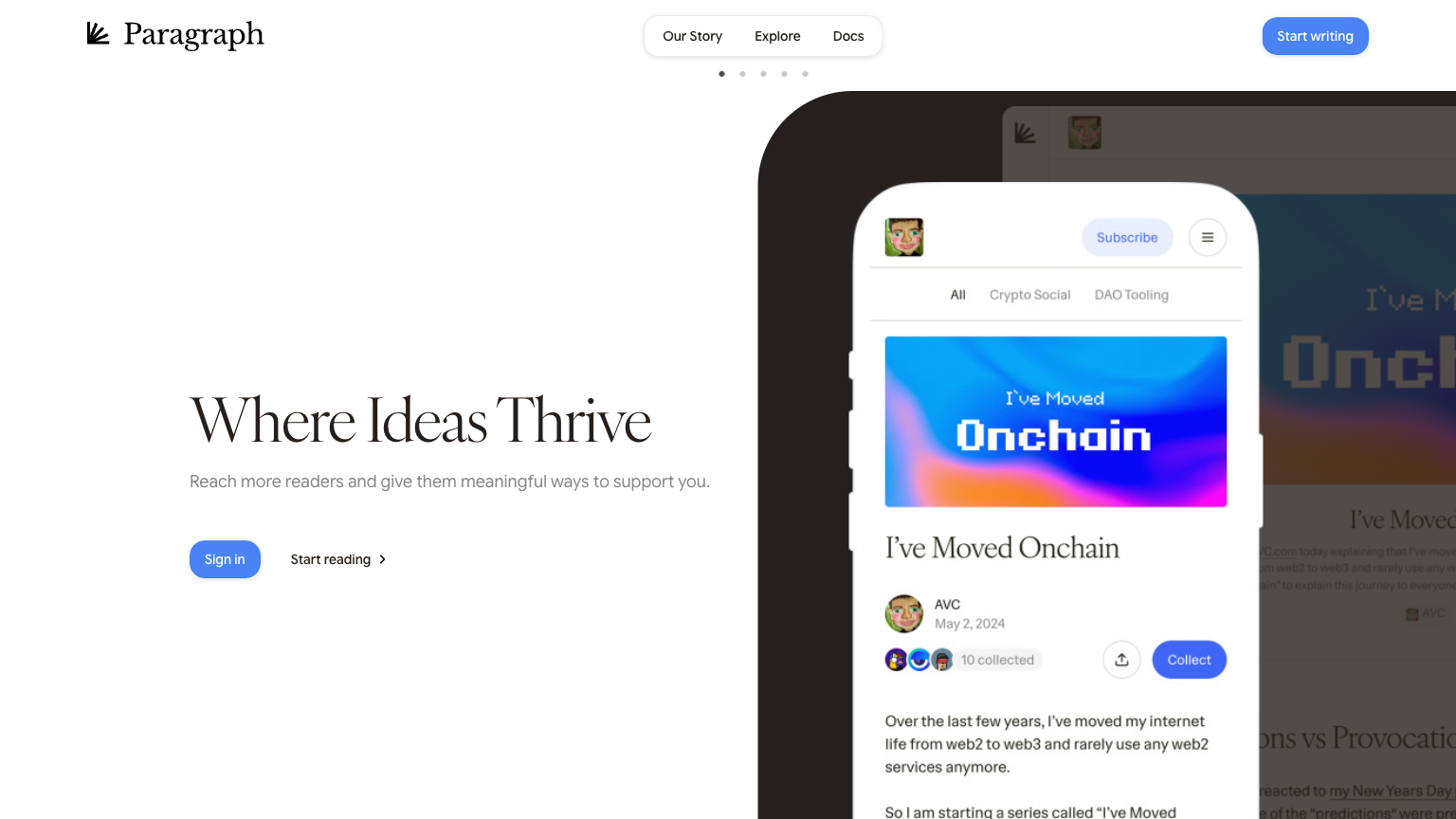
Paragraph
Paragraph is a comprehensive content creation tool designed to help users craft compelling paragraphs and articles. It provides a range of features and capabilities to assist users in writing engaging and well-structured content. Whether you're a seasoned writer or a beginner, Paragraph offers a user-friendly interface and a wealth of tools to help you create high-quality content.
What is Paragraph
Paragraph is a powerful content creation tool that enables users to write and edit articles, paragraphs, and other types of content. Its core technology is based on artificial intelligence, which provides users with real-time suggestions and ideas to improve their writing. The tool's key capabilities include grammar and spell checking, plagiarism detection, and content analysis.
Paragraph's target audience is anyone who writes content, whether it's a blogger, a journalist, or a marketer. Its unique value proposition is the ability to provide users with actionable insights and suggestions to improve their writing, making it stand out in its category. With Paragraph, users can create high-quality content quickly and efficiently, saving them time and effort.
The tool's algorithm is constantly learning and improving, providing users with a seamless and intuitive writing experience. Paragraph's unique approach to content creation is based on a deep understanding of language and writing, making it an invaluable resource for anyone who writes.
How to use Paragraph
- 1 STEP 1: Start by selecting a template or topic for your content, which will help guide your writing and provide you with relevant suggestions and ideas.
- 2 STEP 2: Begin writing your content using Paragraph's intuitive interface, which includes features such as grammar and spell checking, and real-time suggestions for improvement.
- 3 STEP 3: Use Paragraph's content analysis tools to get a deeper understanding of your writing, including metrics on readability, tone, and style.
- 4 STEP 4: Take advantage of Paragraph's plagiarism detection feature to ensure that your content is original and free from any copyright issues.
- 5 STEP 5: Finally, use Paragraph's export feature to share your content with others, whether it's through a blog post, social media, or email.
Primary Features
Applications & Use Cases
- A blogger uses Paragraph to write and edit articles for their blog, taking advantage of the tool's grammar and spell checking features to ensure error-free content.
- A journalist uses Paragraph to research and write articles for publication, leveraging the tool's content analysis tools to get a deeper understanding of their writing.
- A marketer uses Paragraph to create high-quality content for social media and email campaigns, utilizing the tool's plagiarism detection feature to ensure that their content is original.
- A student uses Paragraph to write and edit academic papers, taking advantage of the tool's real-time suggestions and grammar checking features to improve their writing.
- A business owner uses Paragraph to create engaging content for their website and blog, using the tool's collaboration tools to work with their team and export options to share content with others.
Pricing
Paragraph offers a free plan with basic features, including grammar and spell checking, and content analysis.
The Pro plan starts at $9.99/month and includes additional features such as plagiarism detection, real-time suggestions, and collaboration tools.
The Business plan starts at $19.99/month and includes all Pro features, as well as export options and priority support.
Enterprise options are available for large teams and organizations, with custom pricing and features.
Category