Obituary Writer
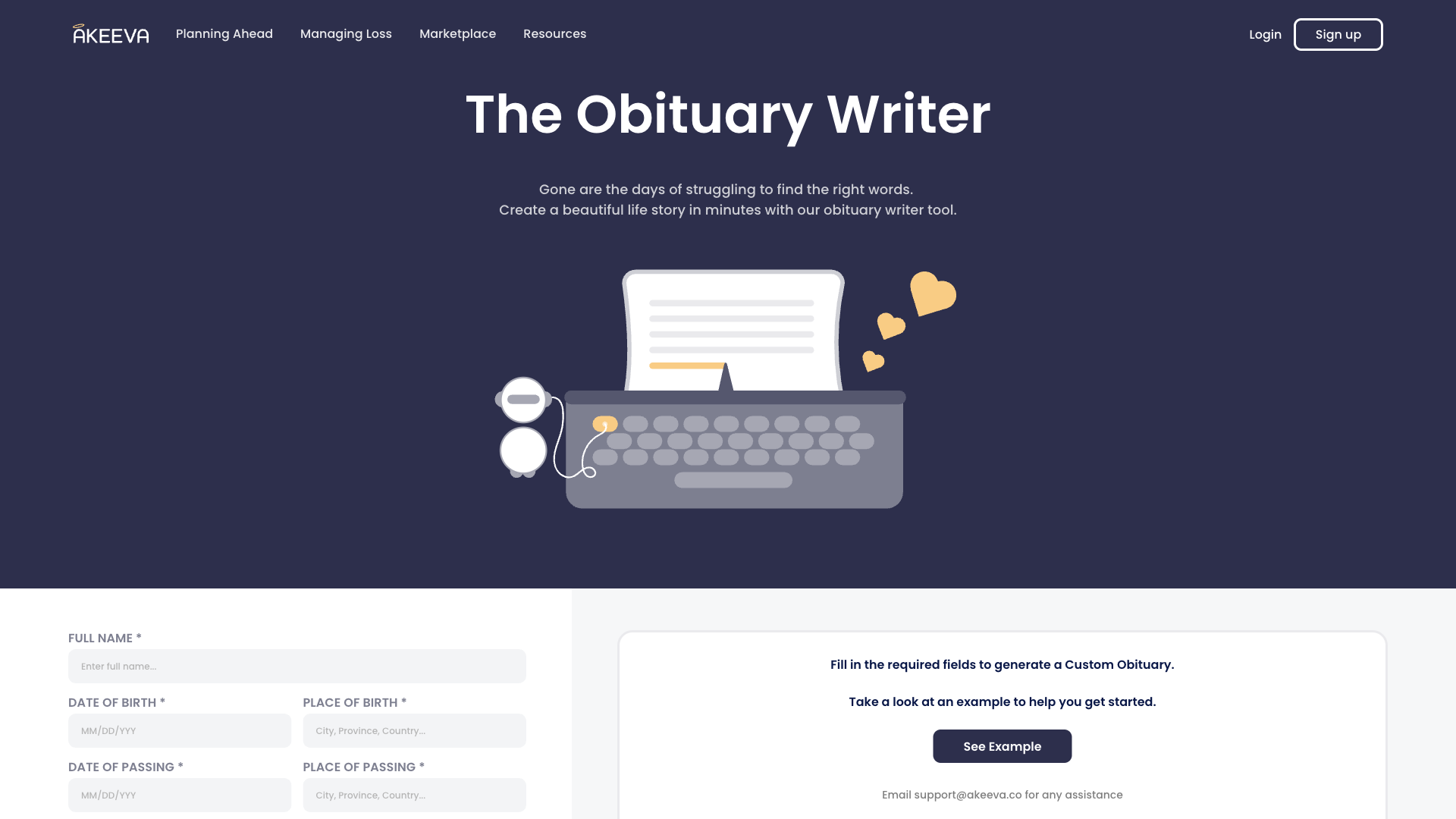
Obituary Writer is an online tool designed to help users create and generate professional, custom obituaries for loved ones. This user-friendly platform provides a structured approach to crafting meaningful and dignified tributes. With its comprehensive template and guided writing process, users can produce a well-written obituary in minutes.
What is Obituary Writer
Obituary Writer is a web-based platform that streamlines the process of creating obituaries. The tool utilizes a structured template and guided writing process, allowing users to provide essential information about the deceased, including their name, date of birth, date of passing, and other relevant details. The platform then uses this information to generate a well-written and professional obituary.
Key features include a customizable template, guided writing prompts, and the ability to add images and other multimedia content. Obituary Writer is designed for individuals who want to create a meaningful and dignified tribute to their loved ones, while also saving time and effort. The tool's primary target audience includes family members, friends, and caregivers who need to write an obituary quickly and effectively.
What sets Obituary Writer apart is its user-friendly interface, comprehensive template, and guided writing process, which makes it easier for users to create a high-quality obituary without requiring extensive writing or editing skills. By providing a structured approach to writing an obituary, the tool helps users to focus on the essential information and personal touches that make a tribute truly meaningful.
How to use Obituary Writer
- 1 STEP 1: Begin by selecting the template and writing style for the obituary, choosing from a range of pre-designed layouts and formats.
- 2 STEP 2: Fill in the essential information about the deceased, including their name, date of birth, date of passing, and other relevant details.
- 3 STEP 3: Use the guided writing prompts to craft a heartfelt and meaningful tribute, adding personal anecdotes and memories of the deceased.
- 4 STEP 4: Customize the obituary with images, videos, and other multimedia content to make it a truly unique and personalized tribute.
- 5 STEP 5: Review and finalize the obituary, making any necessary revisions before publishing it online or in print.
Primary Features
Applications & Use Cases
- Creating an obituary for a family member or close friend, including essential information and personal anecdotes
- Writing an obituary for a public figure or celebrity, requiring a more formal and structured approach
- Developing a tribute for a loved one who passed away suddenly, needing to create an obituary quickly and effectively
- Crafting an obituary for a military personnel or veteran, with specific requirements and protocols to follow
- Creating a customized obituary for a cultural or spiritual community, incorporating traditional and personal elements
Pricing
Obituary Writer offers a free plan with limited features, a Basic plan at $9.99/month for individuals with additional features, a Premium plan at $19.99/month for businesses and organizations, and custom Enterprise pricing for large-scale users.
The free plan includes a basic template, limited writing prompts, and limited image uploads, while the Basic plan adds more templates, writing prompts, and image uploads.
The Premium plan includes advanced features, such as collaboration tools, multimedia content, and social media integration, as well as priority customer support.
Enterprise pricing is tailored to meet the specific needs of large-scale users, including customized templates, advanced writing tools, and dedicated support.
Category