Microsoft Edge AI-Browser
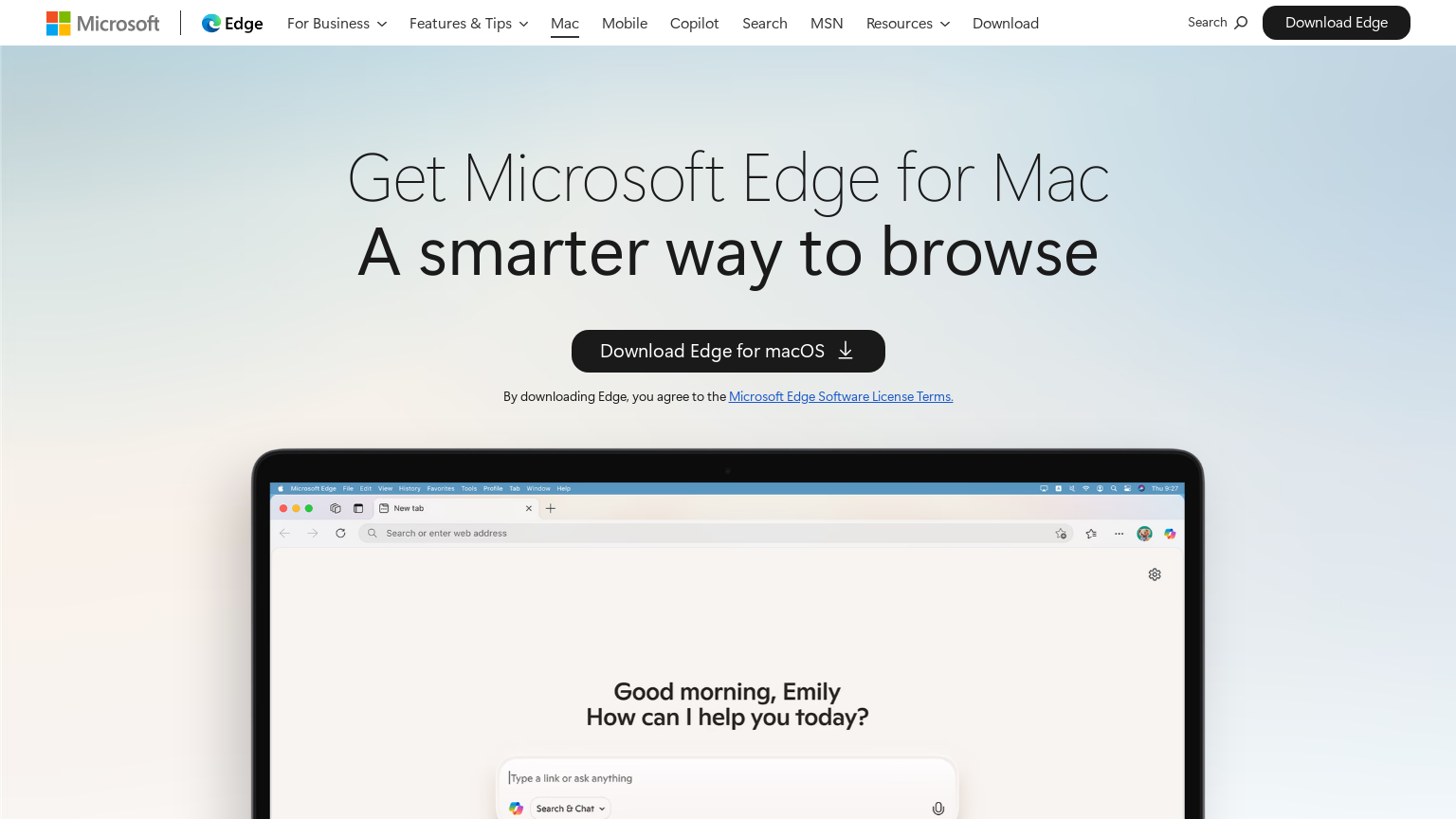
Microsoft Edge with AI features integrates Copilot and other AI capabilities directly into the browser, offering users intelligent assistance for browsing, research, and productivity.
What is Microsoft Edge AI-Browser
Microsoft Edge has evolved into an AI-powered browser through deep integration with Microsoft Copilot and other artificial intelligence features. The browser now offers users intelligent assistance directly within their browsing experience, without requiring separate AI tools or tab switching. Copilot in Edge can help users understand web content, generate summaries of long articles, compose emails and documents, answer questions about what they're viewing, and assist with various tasks while browsing.
Microsoft has invested heavily in making AI feel native to the browsing experience, with sidebar integration, context menus, and smart suggestions that appear when relevant. Edge's AI features benefit from Microsoft's partnership with OpenAI, bringing GPT-powered capabilities to the browser level. The integration extends to enterprise features, where organizations can leverage Edge's AI capabilities while maintaining security and compliance requirements.
As one of the major browsers with built-in AI, Edge represents a significant shift toward AI-augmented web experiences becoming mainstream.
How to use Microsoft Edge AI-Browser
- 1 Download or update Microsoft Edge to the latest version with AI features enabled.
- 2 Access Copilot through the sidebar icon or keyboard shortcut while browsing any webpage.
- 3 Ask questions about page content, request summaries, or get help with writing and research tasks.
- 4 Use context menu options to send selected text to AI for analysis, rewriting, or explanation.
Primary Features
Applications & Use Cases
- Professionals researching topics with AI assistance
- Students studying online content more efficiently
- Writers drafting content while browsing references
- Business users analyzing web information quickly
- Anyone wanting AI help within their browser
- Organizations deploying AI-enabled browsing at scale
Pricing
Free to download and use.
Basic AI features included free.
Advanced Copilot features may require Microsoft 365 subscription or Copilot Pro at $20/month.
Category