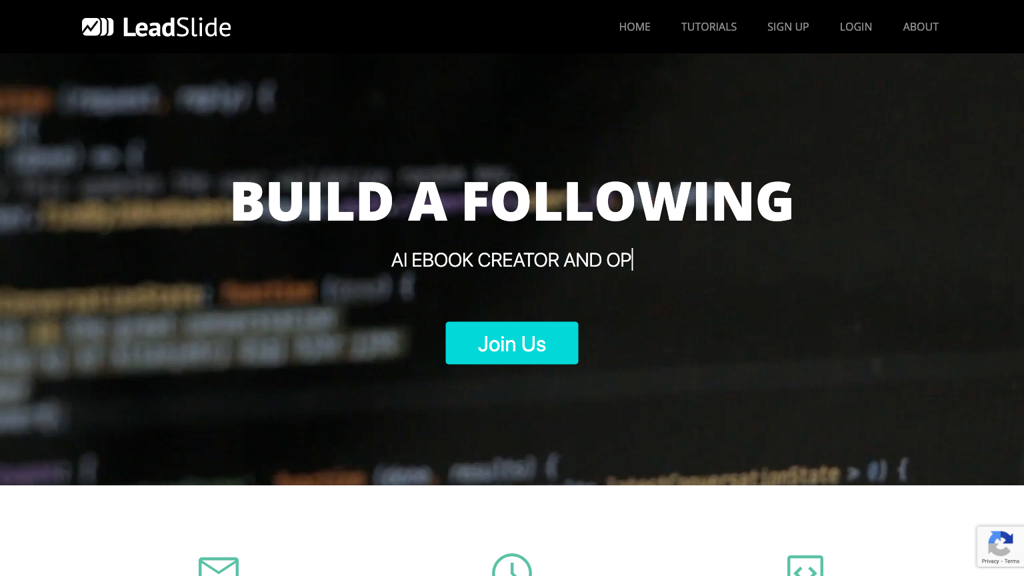
LeadSlide
LeadSlide is a comprehensive presentation design and storytelling platform that empowers users to create engaging, interactive, and data-driven slideshows. This tool streamlines the content creation process, allowing users to easily craft compelling narratives and visualizations that captivate audiences. With its intuitive interface and robust features, LeadSlide is ideal for professionals, educators, and businesses seeking to elevate their presentations and storytelling capabilities.
What is LeadSlide
LeadSlide is a cutting-edge presentation design and storytelling platform that revolutionizes the way users create and share interactive content. Leveraging its robust technology and user-friendly interface, LeadSlide enables users to craft engaging, data-driven slideshows that captivate audiences and convey complex information in a clear and concise manner. This platform is particularly well-suited for professionals, educators, and businesses seeking to elevate their presentations and storytelling capabilities.
With its extensive library of templates, customization options, and integration with popular data sources, LeadSlide stands out as a leading solution for content creation and presentation design. By utilizing LeadSlide, users can unlock new levels of creativity, productivity, and audience engagement. Whether creating presentations, reports, or interactive stories, LeadSlide's comprehensive capabilities make it an indispensable tool for anyone looking to elevate their content and storytelling.
How to use LeadSlide
- 1 STEP 1: Launch LeadSlide and select a presentation theme or template to serve as the foundation for your content.
- 2 STEP 2: Import and connect data sources, such as Google Sheets or Microsoft Excel, to infuse your presentation with dynamic, real-time information.
- 3 STEP 3: Utilize LeadSlide's intuitive design tools to create engaging, interactive slides, including custom layouts, animations, and multimedia elements.
- 4 STEP 4: Leverage LeadSlide's built-in analytics and feedback tools to track audience engagement, gather insights, and refine your presentation for maximum impact.
- 5 STEP 5: Publish and share your presentation across various platforms, including social media, email, and presentation software, to reach a broader audience.
Primary Features
Applications & Use Cases
- Educators creating interactive lesson plans and presentations for students
- Business professionals crafting engaging sales pitches and investor reports
- Non-profit organizations developing persuasive fundraising campaigns and awareness presentations
- Marketing teams designing immersive brand experiences and product showcases
- Researchers presenting complex data and findings to academic and industry audiences
Pricing
LeadSlide offers a free plan with basic features, including access to templates and design tools.
Paid plans start at $19/month for the Pro tier, which includes advanced features like data integration and analytics.
The Business tier at $49/month adds real-time collaboration and commenting, while the Enterprise tier offers custom pricing and tailored support for large teams and organizations.