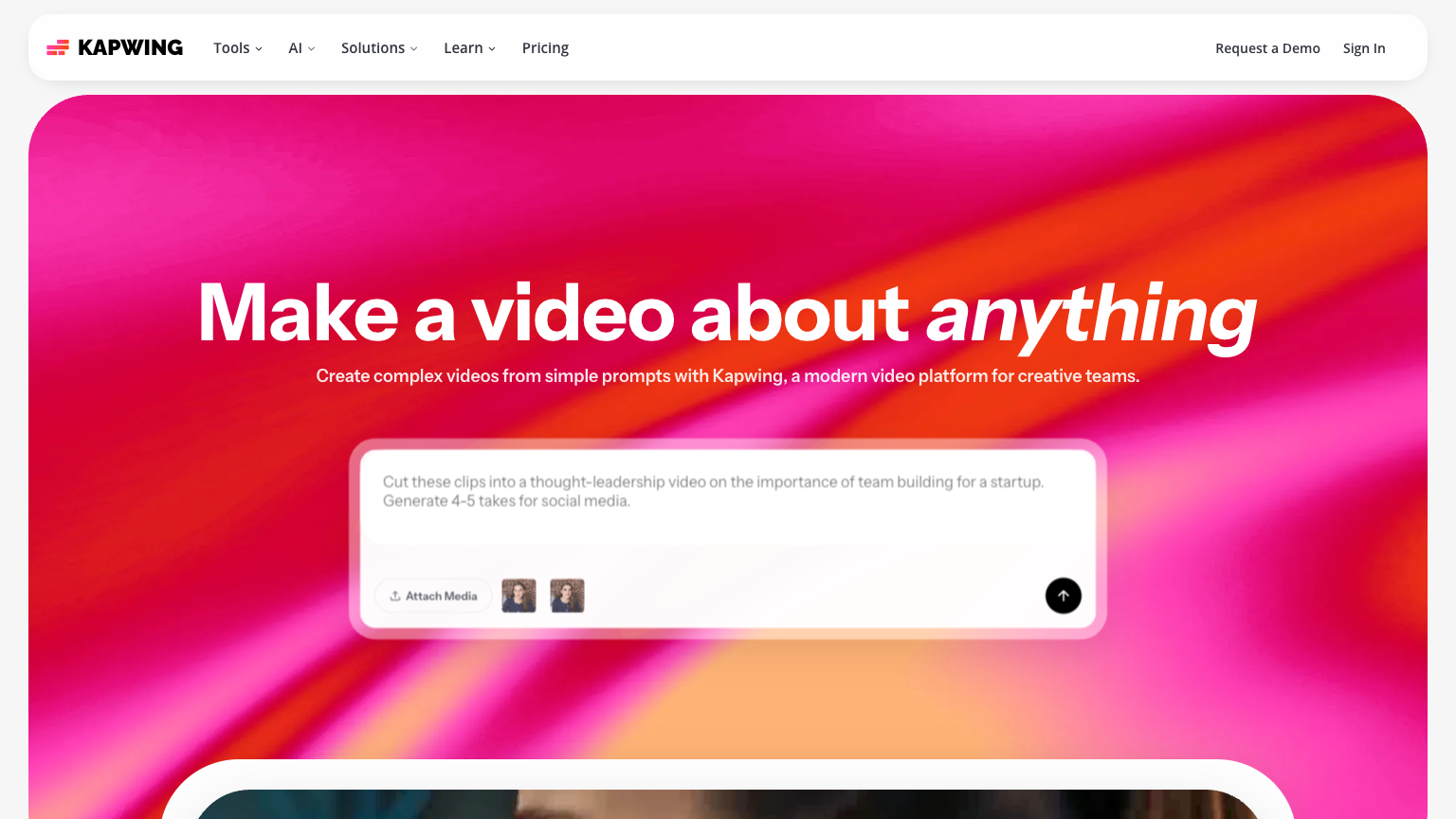
Kapwing
Kapwing is a powerful browser-based video editing and content creation platform that enables creators, marketers, and teams to produce professional-quality videos, images, and GIFs without requiring software downloads. With AI-powered tools and collaborative features, Kapwing streamlines the entire content creation workflow from editing to publishing.
What is Kapwing
Kapwing has established itself as one of the leading online video editing platforms, offering a comprehensive suite of creative tools accessible directly through any web browser. The platform combines traditional video editing capabilities with cutting-edge AI features, making professional content creation accessible to users of all skill levels. From trimming and merging clips to adding subtitles, effects, and audio, Kapwing provides everything needed to create polished video content.\n\nThe platform's AI-powered features set it apart from traditional editors, including automatic subtitle generation, background removal, video resizing for multiple platforms, and smart cut tools that can automatically remove silences and filler words from recordings.
These intelligent features dramatically reduce editing time while maintaining high-quality output. Kapwing also offers an extensive library of templates, stock footage, music, and sound effects to enhance any project.\n\nDesigned with collaboration in mind, Kapwing enables teams to work together in real-time on video projects, share feedback through comments, and maintain brand consistency with shared asset libraries. The platform supports direct publishing to social media platforms and provides format optimization for YouTube, TikTok, Instagram, and other channels.
Whether you're a solo content creator, social media manager, or part of a larger marketing team, Kapwing offers scalable solutions that grow with your needs.\n\nKapwing's intuitive interface features a familiar timeline-based editor with drag-and-drop functionality, making it easy for beginners to start creating while still offering advanced features for experienced editors. The platform continuously updates with new tools and capabilities, ensuring users always have access to the latest content creation technologies.
How to use Kapwing
- 1 STEP 1: Upload your media files directly to Kapwing's browser-based editor by dragging and dropping videos, images, or audio, or import content from URLs, Google Drive, or record directly in the platform
- 2 STEP 2: Use the timeline editor to arrange clips, trim footage, split scenes, and layer multiple media elements including text overlays, stickers, and audio tracks
- 3 STEP 3: Apply AI-powered tools such as auto-subtitles, background remover, smart cut for removing silences, or video resizing to automatically adapt content for different social platforms
- 4 STEP 4: Enhance your video with effects, transitions, filters, and audio adjustments, or collaborate with team members by sharing the project link and adding comments for feedback
- 5 STEP 5: Export your finished video in your preferred format and resolution, then download directly or publish straight to YouTube, TikTok, or other connected social media accounts
Primary Features
Applications & Use Cases
- Social media managers creating and repurposing video content across multiple platforms like TikTok, Instagram Reels, and YouTube Shorts with optimized formats for each channel
- Podcasters and YouTubers editing long-form content and using Smart Cut to automatically remove dead air and filler words for cleaner, more engaging episodes
- Marketing teams collaborating on promotional videos with shared brand assets, templates, and real-time feedback to maintain consistency across campaigns
- Educators and online course creators adding subtitles, annotations, and visual elements to instructional videos for improved accessibility and engagement
- Small business owners without video editing experience creating professional product demos, testimonials, and social content using templates and AI-assisted tools
Pricing
Kapwing offers a free plan that includes basic editing tools with exports up to 720p resolution and Kapwing watermark on videos.
The Pro plan is available at $16 per month when billed annually ($24 monthly) and includes unlimited exports at 1080p and 4K resolution, no watermarks, 100GB of cloud storage, priority support, and access to all AI tools.
The Business plan costs $50 per user per month when billed annually and adds team collaboration features, shared brand kits, advanced permissions, dedicated account management, and increased storage.
Enterprise pricing is available for larger organizations requiring custom solutions, SSO integration, advanced security features, and volume licensing.
All paid plans include a 7-day free trial with full feature access.
Category