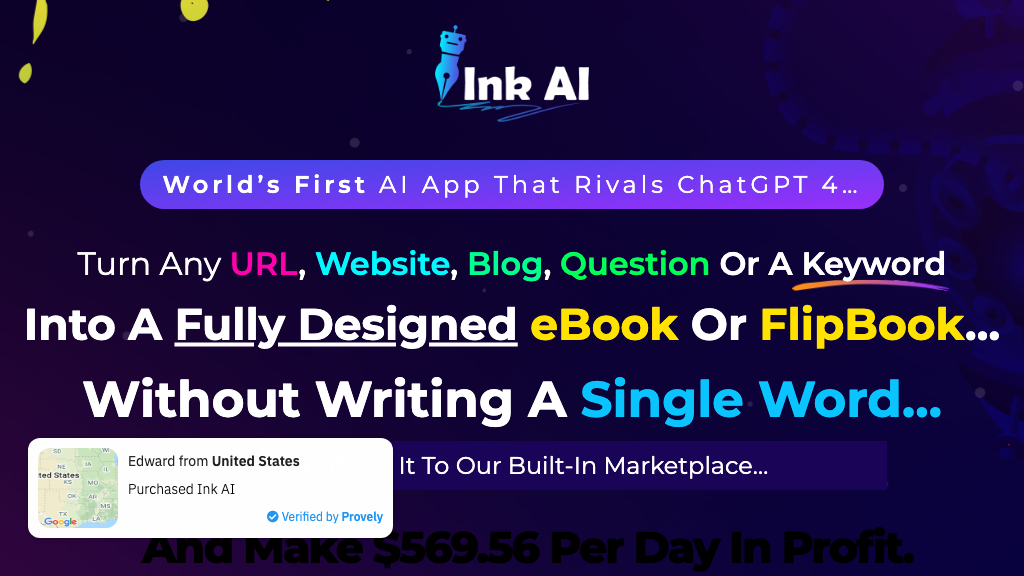
InkAI
InkAI is a cutting-edge content creation tool designed to revolutionize the way users design and publish custom graphics, logos, and other visual content. With its user-friendly interface and AI-powered features, InkAI empowers creators to bring their ideas to life with stunning visuals and precision.
What is InkAI
InkAI is a comprehensive content creation tool that combines the power of artificial intelligence with a user-friendly interface, allowing users to create custom graphics, logos, and other visual content with ease. The tool's AI-powered features enable users to generate high-quality designs in minutes, without requiring extensive design experience. InkAI's key capabilities include its advanced AI design engine, intuitive drag-and-drop interface, and extensive library of templates and assets.
The tool is specifically designed for creative professionals, entrepreneurs, and small business owners looking to elevate their visual content without breaking the bank. InkAI's unique value proposition lies in its ability to produce high-quality designs quickly and efficiently, while also providing users with complete creative control and flexibility. What sets InkAI apart from other content creation tools is its focus on accessibility and ease of use, making it an ideal solution for users who may not have extensive design experience.
With InkAI, users can create stunning visuals that capture their brand's unique personality and style.
How to use InkAI
- 1 STEP 1: Launch InkAI and select the design type you want to create, such as a logo, social media graphic, or business card.
- 2 STEP 2: Use InkAI's AI-powered design engine to generate a custom design based on your input and preferences.
- 3 STEP 3: Customize your design using InkAI's intuitive drag-and-drop interface and extensive library of templates and assets.
- 4 STEP 4: Refine your design using InkAI's advanced editing tools and features, such as color palette and typography options.
- 5 STEP 5: Download your final design in a variety of formats, including PNG, JPEG, and PDF.
Primary Features
Applications & Use Cases
- Creating social media graphics for a small business
- Designing a logo for a new startup
- Developing a brand identity for a personal project
- Creating business cards for a professional networking event
- Designing a marketing campaign for a product launch
Pricing
InkAI offers a free plan that includes access to basic design features and a limited selection of templates and assets.
Paid plans start at $14.99/month for the Pro tier, which includes advanced design features, a larger library of templates and assets, and priority customer support.
The Business tier is $24.99/month and includes all Pro features, plus additional design options and collaboration tools.
Enterprise pricing is available for large teams and organizations, with custom plans and pricing based on specific needs and requirements.
Category