GptPanda
GptPanda is a Slack-integrated AI assistant that brings ChatGPT capabilities directly into team workspaces for seamless AI-powered collaboration and productivity.
What is GptPanda
GptPanda is an AI assistant designed specifically for Slack integration, bringing the power of ChatGPT directly into team communication workflows. The platform recognizes that many professionals spend significant time in Slack and need AI assistance without leaving their workspace. By embedding AI capabilities within Slack, GptPanda eliminates context switching and makes AI help available exactly where teams are already communicating.
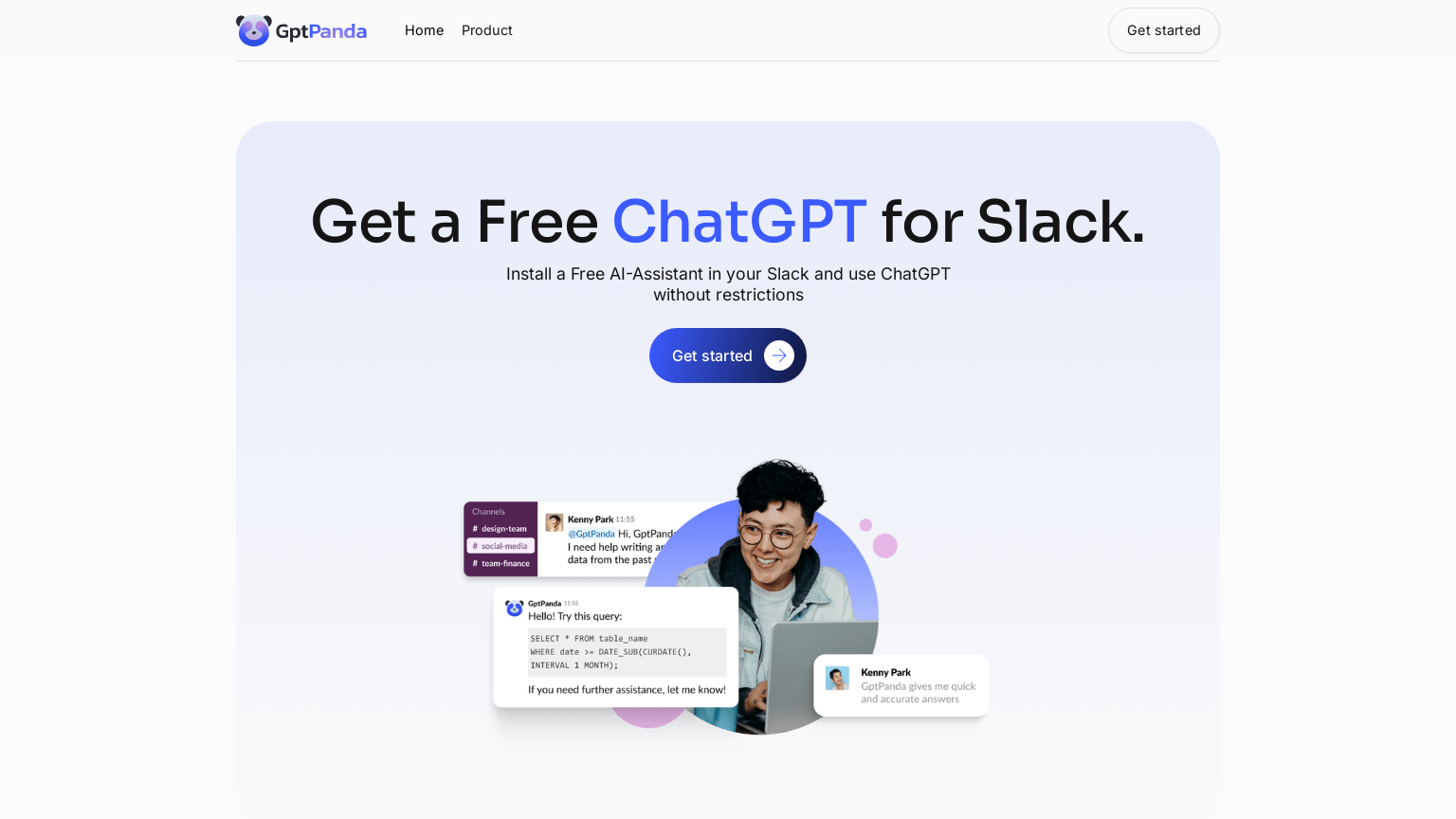
Users can summon GptPanda in channels or direct messages to get help with writing, analysis, brainstorming, coding questions, and countless other tasks. The integration is designed to feel natural within Slack's interface, responding to mentions and commands in a way that fits team communication patterns. GptPanda supports both individual queries and collaborative AI interactions where team members can build on AI-generated responses.
The platform addresses common enterprise needs like conversation privacy and workspace-specific configurations. For teams already invested in Slack as their communication hub, GptPanda offers the most frictionless way to add AI capabilities to daily workflows.
How to use GptPanda
- 1 Install GptPanda from the Slack App Directory into your team workspace with admin approval.
- 2 Invite @GptPanda to channels where you want AI assistance available to team members.
- 3 Mention @GptPanda followed by your question or request to get AI-powered responses.
- 4 Use direct messages with GptPanda for private AI conversations or sensitive queries.
Primary Features
Applications & Use Cases
- Teams wanting AI assistance without leaving Slack
- Remote workers collaborating with AI support
- Developers getting quick code help in team channels
- Marketing teams brainstorming with AI in group discussions
- Support teams drafting responses with AI assistance
- Any Slack-using organization seeking integrated AI
Pricing
Free tier available with limited messages.
Pro plans starting at $8/user/month for unlimited AI interactions and advanced features.