GenSpark AI Browser
GenSpark AI Browser is an AI-enhanced web browser that integrates artificial intelligence capabilities directly into the browsing experience for enhanced research and productivity.
What is GenSpark AI Browser
GenSpark AI Browser is an innovative web browser that embeds artificial intelligence capabilities directly into the browsing experience. The browser recognizes that users often need AI assistance while researching, reading, or working online, and eliminates the friction of switching between browser tabs and AI tools. With GenSpark, AI assistance is available instantly as users browse, enabling real-time summarization, analysis, question answering, and content generation without leaving the current page.
The browser is designed for knowledge workers, researchers, students, and anyone who wants to enhance their web experience with AI capabilities. GenSpark can help users understand complex content, extract key information, compare multiple sources, and generate insights from web pages. The integration goes beyond simple chat features, with AI capabilities woven into the browsing workflow through context menus, sidebars, and intelligent suggestions.
GenSpark represents the evolution of web browsing toward AI-augmented information consumption and productivity.
How to use GenSpark AI Browser
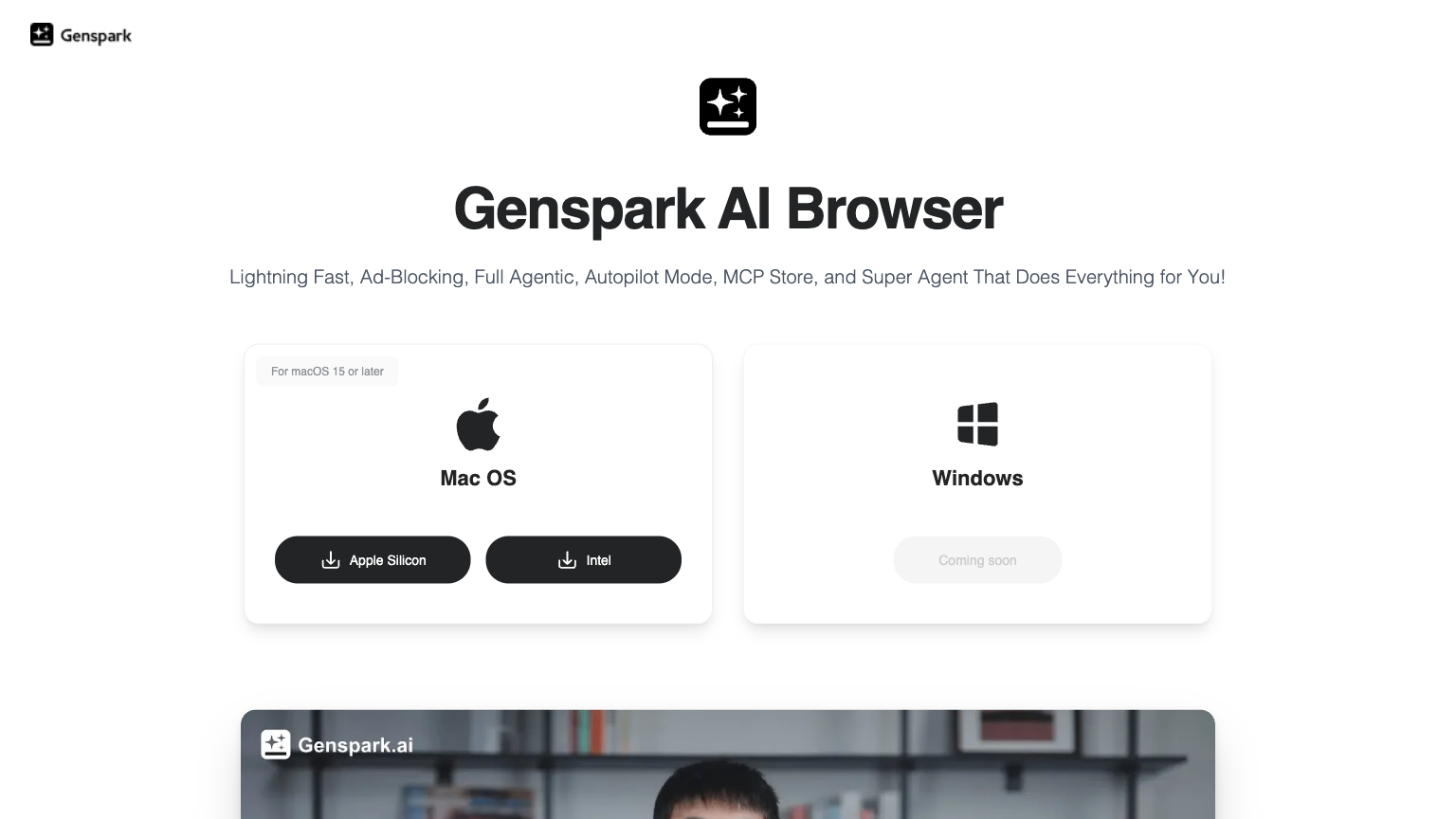
- 1 Download GenSpark AI Browser from the official website and install it on your computer.
- 2 Launch the browser and complete initial setup, including any AI feature configuration.
- 3 Browse the web normally while accessing AI features through the sidebar, context menu, or keyboard shortcuts.
- 4 Use AI to summarize pages, answer questions about content, or generate new content based on what you're reading.
Primary Features
Applications & Use Cases
- Researchers needing to quickly process multiple sources
- Students studying online materials with AI help
- Professionals analyzing industry content efficiently
- Writers gathering information for content creation
- Anyone wanting AI assistance while browsing
- Knowledge workers optimizing their research workflow
Pricing
Free download with basic AI features.
Premium subscription available for advanced AI capabilities and higher usage limits.
Category