Form Assist
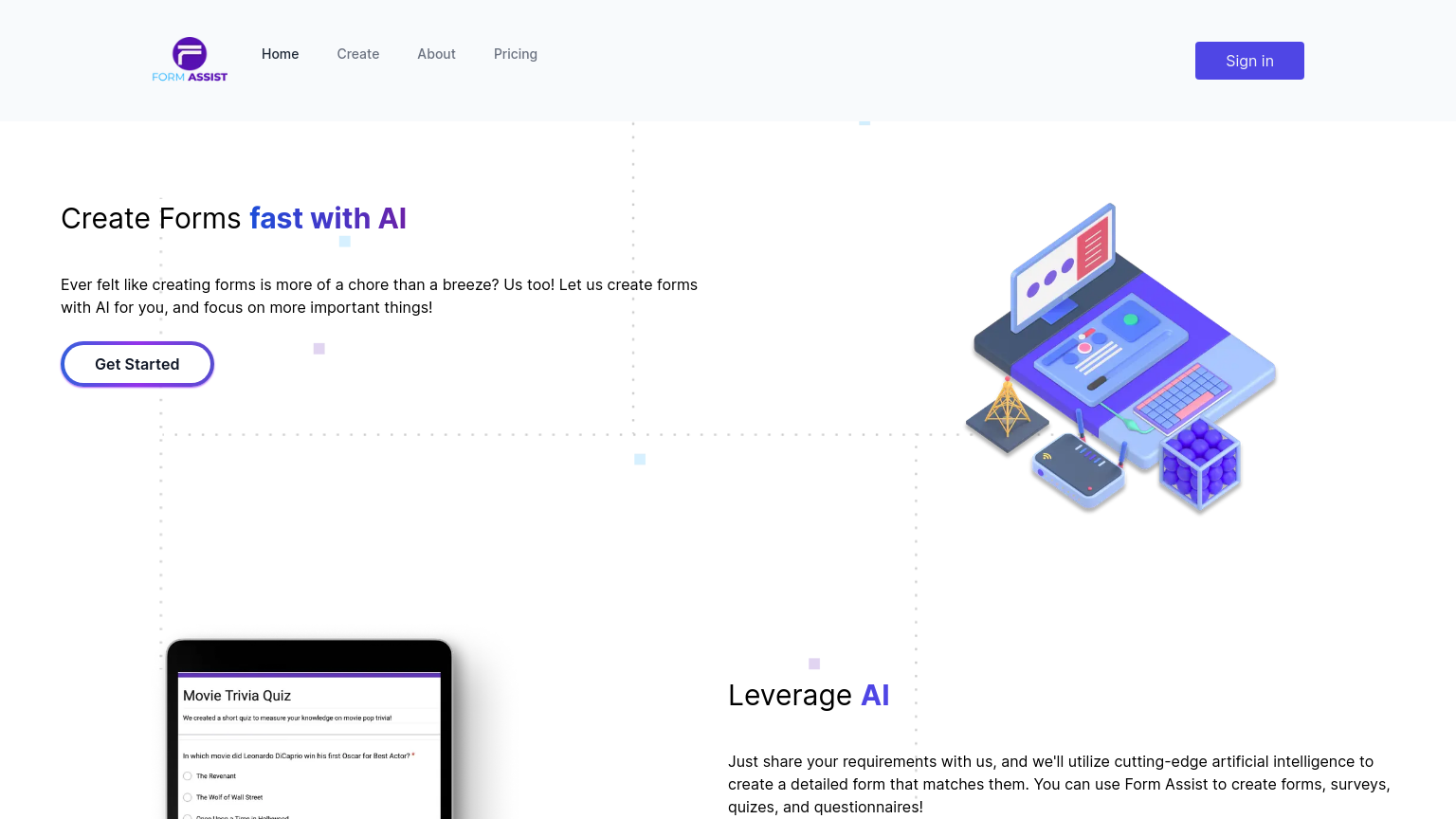
Form Assist is a comprehensive content creation tool that enables users to design, build, and deploy customizable digital forms with ease. With its intuitive interface and robust feature set, Form Assist streamlines the process of creating and managing forms, saving users time and effort. Whether you're a small business or an enterprise organization, Form Assist has the tools you need to create engaging and effective digital forms.
What is Form Assist
Form Assist is a versatile content creation tool that empowers users to build custom digital forms using a drag-and-drop interface. The tool's core technology is built on a robust backend infrastructure that supports seamless form deployment and management. Key capabilities include real-time collaboration, automated form validation, and customizable workflows.
Form Assist is designed for a broad range of users, from small business owners to large enterprise organizations, who need to create and manage digital forms as part of their operations. The tool's unique value proposition lies in its ease of use, flexibility, and scalability, making it an ideal solution for businesses looking to streamline their form creation and management processes. What sets Form Assist apart from other form creation tools is its robust feature set, which includes advanced form validation, conditional logic, and integrations with popular third-party services.
These features enable users to create complex forms that are both efficient and effective. Additionally, Form Assist's user-friendly interface and real-time collaboration capabilities make it an excellent choice for teams and organizations working on form creation projects. Overall, Form Assist is a powerful tool that helps users create, deploy, and manage custom digital forms with ease, making it an essential part of any content creation workflow.
How to use Form Assist
- 1 STEP 1: Select a form template or start from scratch using the drag-and-drop interface to create a custom form
- 2 STEP 2: Add form fields, such as text boxes, dropdown menus, and checkboxes, and configure their properties, including label text and validation rules
- 3 STEP 3: Use the form builder's conditional logic feature to create complex form workflows and dependencies
- 4 STEP 4: Preview and test the form to ensure it functions as expected and make any necessary adjustments
- 5 STEP 5: Deploy the form to your website or share it via a public link, and track submissions and analytics using the Form Assist dashboard
Primary Features
Applications & Use Cases
- Small business owners creating online surveys for customer feedback
- Marketing teams building lead generation forms for trade shows and events
- HR departments managing employee onboarding and benefits applications
- Event planners creating registration forms for conferences and meetups
- Researchers designing online surveys for data collection and analysis
Pricing
Form Assist offers a free plan with unlimited forms, 10,000 submissions, and basic features.
Paid plans start at $19/month for the Basic tier, which includes advanced features, priority support, and 50,000 submissions.
The Pro tier at $49/month offers additional features, including custom branding, advanced analytics, and 100,000 submissions.
Enterprise pricing is available for large organizations and includes custom onboarding, dedicated support, and unlimited submissions.
Additional features and support are available with each tier upgrade.
Category