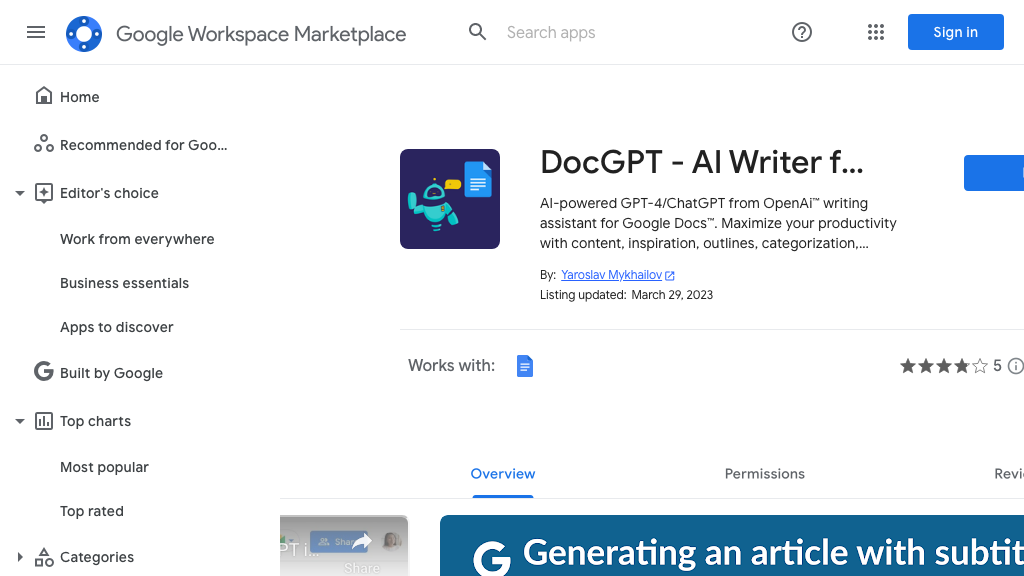
DocGPT AI Writer for Docs
DocGPT AI Writer for Docs is an innovative tool designed to enhance the content creation process by leveraging the power of artificial intelligence. This tool helps users generate high-quality documents, streamline writing tasks, and improve overall productivity. By harnessing the capabilities of AI, DocGPT AI Writer for Docs offers a unique solution for content creators, educators, and professionals seeking to elevate their writing experience.
What is DocGPT AI Writer for Docs
DocGPT AI Writer for Docs is a cutting-edge tool that integrates AI technology to assist users in creating well-structured and engaging documents. Its core technology relies on advanced natural language processing (NLP) and machine learning algorithms to analyze user inputs, understand context, and generate relevant content. This tool boasts a range of key capabilities, including AI-powered writing suggestions, grammar and spell check, and document formatting.
With its intuitive interface and seamless integration with Google Docs, DocGPT AI Writer for Docs is ideal for content creators, educators, and professionals seeking to streamline their writing processes and produce high-quality content. The tool's unique value proposition lies in its ability to automate repetitive writing tasks, saving users time and effort. Furthermore, its AI-driven approach ensures that generated content is contextually relevant and tailored to the user's needs.
In a crowded market of content creation tools, DocGPT AI Writer for Docs stands out due to its exceptional accuracy, ease of use, and comprehensive feature set.
How to use DocGPT AI Writer for Docs
- 1 STEP 1: Launch the DocGPT AI Writer for Docs add-on within your Google Docs application and access the AI writing assistant.
- 2 STEP 2: Select the document template and enter the topic or prompt for which you need assistance with writing.
- 3 STEP 3: The tool will generate a draft document based on the user's input, incorporating AI-powered writing suggestions and grammar corrections.
- 4 STEP 4: Users can review and refine the generated content, making adjustments as needed to ensure accuracy and relevance.
- 5 STEP 5: Once satisfied with the final output, users can export the document in various formats, including PDF, Word, and Google Docs.
Primary Features
Applications & Use Cases
- Content creators seeking to generate high-quality blog posts, articles, or social media content
- Educators requiring assistance with creating lesson plans, educational materials, or assessments
- Professionals needing to produce well-structured reports, proposals, or business documents
- Business owners looking to create engaging marketing materials, product descriptions, or website content
- Students working on academic papers, research projects, or thesis statements
Pricing
DocGPT AI Writer for Docs offers a free plan with basic features, including AI-powered writing suggestions and grammar corrections.
The paid plan, 'Pro,' starts at $9.99/month and includes advanced features like customizable templates, real-time feedback, and priority support.
For businesses and organizations, DocGPT AI Writer for Docs provides custom Enterprise pricing options, tailored to meet specific needs and requirements.
Category