Content Assistant
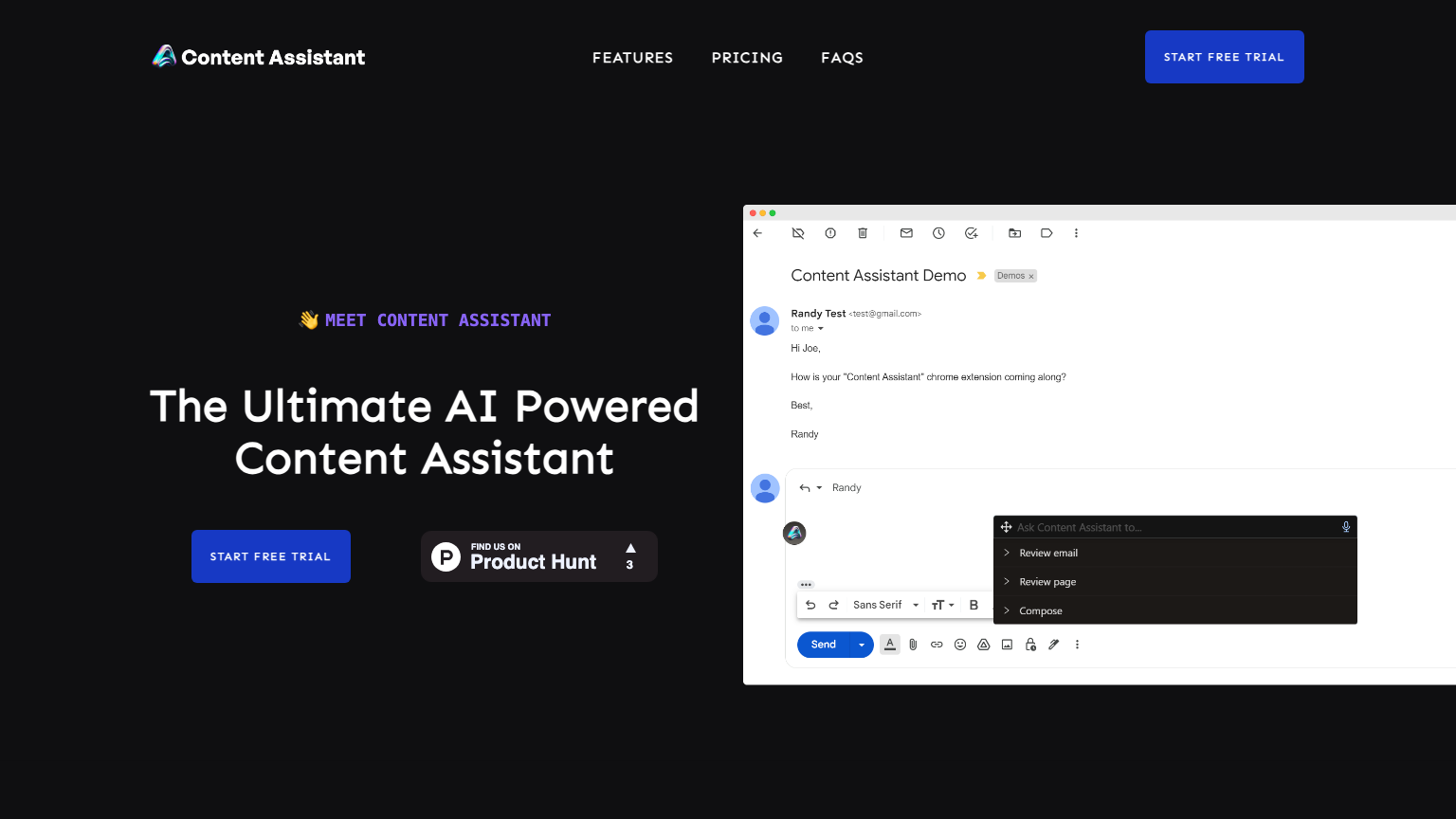
Content Assistant is a comprehensive content creation tool designed to help users generate high-quality content quickly and efficiently. It utilizes advanced AI algorithms to assist with writing, editing, and publishing content across various platforms. With its user-friendly interface and robust features, Content Assistant is an ideal solution for content creators, marketers, and businesses looking to streamline their content production process.
What is Content Assistant
Content Assistant is a cutting-edge content creation platform that leverages artificial intelligence to assist users in generating, editing, and publishing high-quality content. Its core technology is based on advanced machine learning algorithms that enable the tool to understand the context, tone, and style of content. With its key capabilities, Content Assistant helps users to create engaging content, optimize it for search engines, and distribute it across various channels.
The tool is designed to cater to a wide range of users, including content creators, marketers, and businesses, who can benefit from its unique value proposition. What sets Content Assistant apart from other content creation tools is its ability to provide personalized content suggestions, automate the content editing process, and offer real-time analytics to track performance. By utilizing Content Assistant, users can save time, increase productivity, and improve the overall quality of their content.
How to use Content Assistant
- 1 STEP 1: Start by creating a new project in Content Assistant, selecting the type of content you want to create, and setting the desired tone and style.
- 2 STEP 2: Use the AI-powered content generator to create a draft of your content, which can be edited and refined using the tool's advanced editing features.
- 3 STEP 3: Customize your content by adding or removing sections, changing the format, and incorporating multimedia elements such as images, videos, and audio files.
- 4 STEP 4: Review and refine your content using the tool's built-in proofreading and grammar-checking features, which help to ensure accuracy and clarity.
- 5 STEP 5: Publish your content directly to your website, social media channels, or other desired platforms using Content Assistant's seamless integration features.
Primary Features
Applications & Use Cases
- Creating engaging blog posts for a fashion brand to attract and retain customers
- Generating product descriptions for an e-commerce website to improve conversion rates
- Developing social media content for a small business to increase brand awareness
- Producing high-quality articles for a news publication to establish credibility
- Creating educational content for an online course platform to enhance student engagement
Pricing
Content Assistant offers a free plan with basic features, including 1,000 words of content generated per month, 1 user account, and limited access to advanced features.
Paid plans start at $19/month for the Standard tier, which includes 5,000 words of content generated per month, 5 user accounts, and priority customer support.
The Pro tier at $49/month offers 20,000 words of content generated per month, 20 user accounts, and advanced features such as team collaboration and custom content templates.
Enterprise pricing is available upon request, with custom plans tailored to meet the specific needs of large businesses and organizations.