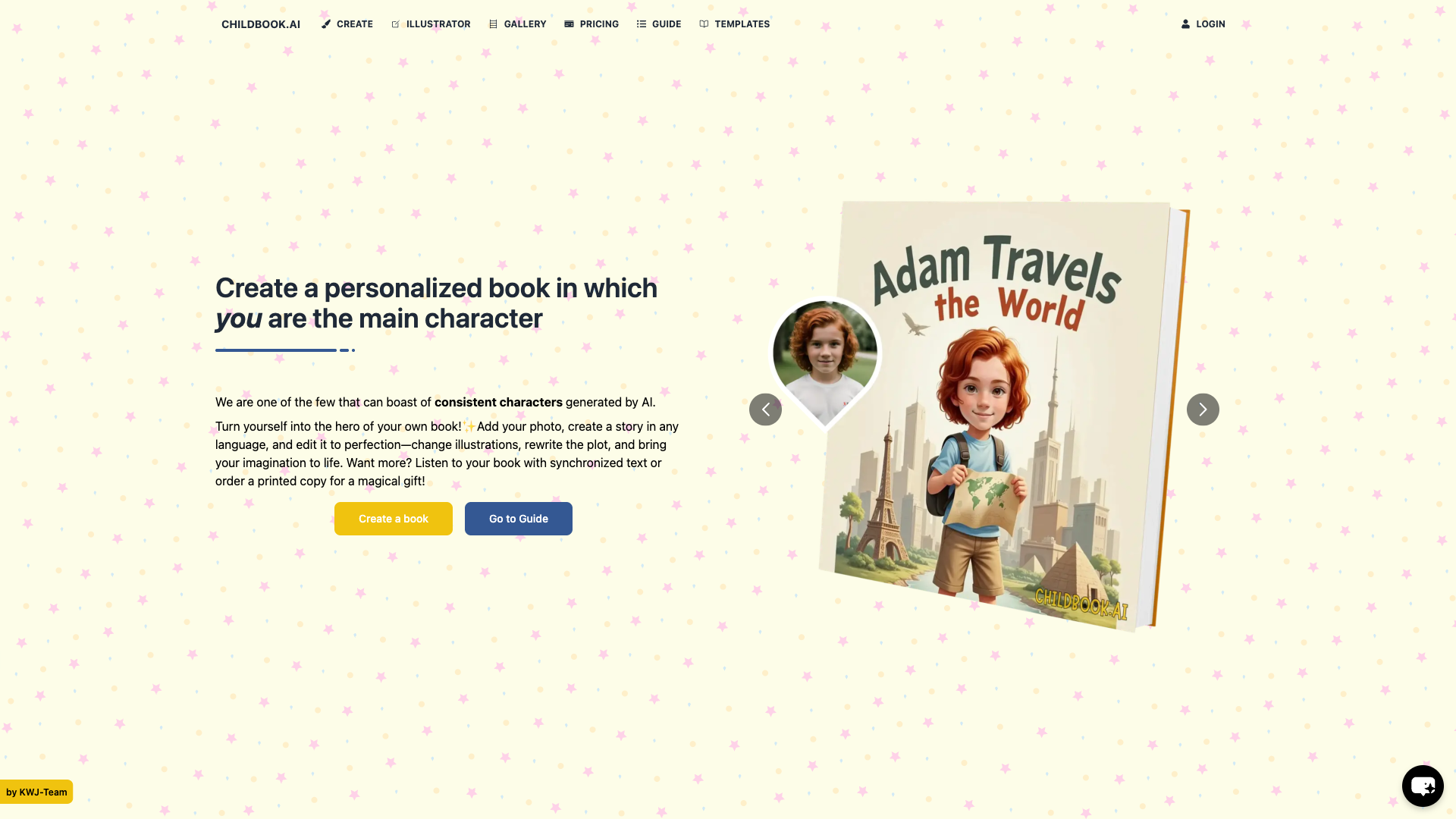
Childbook
Childbook is an innovative storytelling tool designed for content creators, educators, and parents to craft interactive, engaging stories for children. It leverages AI-powered technology to simplify the story creation process, making it accessible to users of all skill levels. With Childbook, users can design immersive stories, incorporating multimedia elements, and share them with the world.
What is Childbook
Childbook is an interactive storytelling tool that empowers users to create engaging, multimedia-rich stories for children. Built on AI-driven technology, the platform streamlines the story creation process, allowing users to focus on their creativity. Key capabilities include drag-and-drop storyboarding, AI-powered text generation, and multimedia integration.
The tool is designed for a wide range of users, from educators and parents to content creators and writers. Its unique value proposition lies in its ability to simplify the storytelling process, making it accessible to users of all skill levels. This stands out in the category, as most storytelling tools require significant technical expertise.
Childbook's AI-driven approach allows users to create professional-looking stories without extensive design or coding knowledge. By providing a user-friendly interface and powerful storytelling capabilities, Childbook is poised to revolutionize the way we create and share stories with children.
How to use Childbook
- 1 STEP 1: Launch Childbook and choose a story template or start from scratch, selecting the desired theme, characters, and setting.
- 2 STEP 2: Utilize the drag-and-drop storyboarding feature to create a narrative structure, adding scenes, characters, and multimedia elements as needed.
- 3 STEP 3: Leverage AI-powered text generation to create engaging storylines, dialogue, and descriptions, or manually input content.
- 4 STEP 4: Integrate multimedia elements, such as images, videos, and animations, to enhance the storytelling experience and captivate young audiences.
- 5 STEP 5: Preview and refine the story, making adjustments as needed, before exporting it in various formats, including interactive books, videos, and presentations.
Primary Features
Applications & Use Cases
- Educators creating interactive lesson plans for young students
- Parents crafting personalized stories for their children's bedtime routine
- Content creators developing engaging children's content for social media and online platforms
- Writers and authors experimenting with new storytelling formats and multimedia elements
- Marketing professionals developing interactive brand experiences for kids
Tags
Pricing
Childbook offers a free plan with limited features, including access to basic templates, AI-powered text generation, and multimedia integration.
Paid plans start at $19.99/month for the Pro tier, which includes additional templates, export options, and collaboration tools.
The Business tier at $49.99/month offers advanced features, priority support, and customized branding.
Enterprise pricing is available upon request, offering tailored solutions for large-scale deployments and customized requirements.
Category