ChatTab
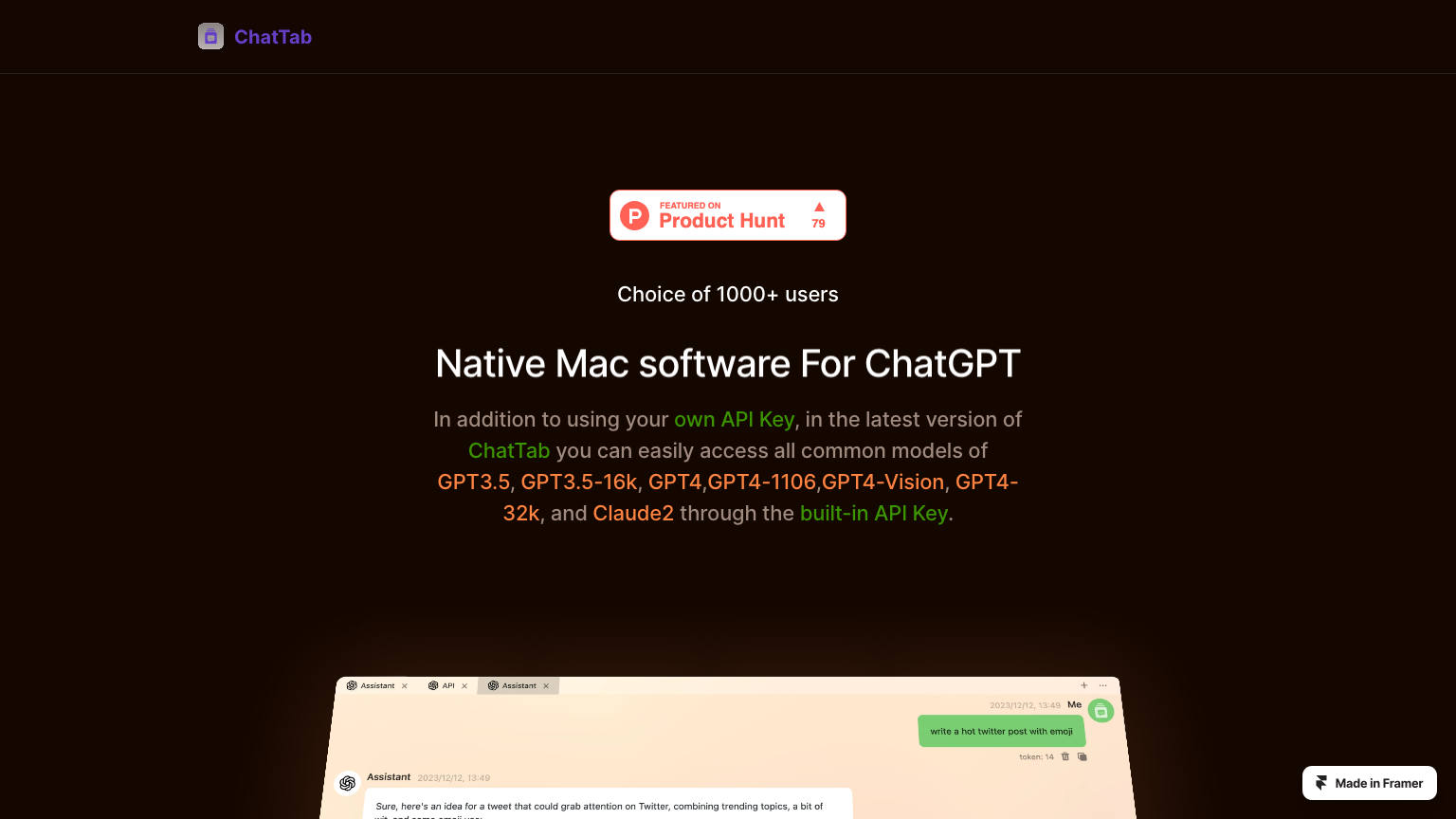
ChatTab is a native macOS app providing quick access to ChatGPT from the menu bar for seamless AI assistance without leaving current workflows.
What is ChatTab
ChatTab is a lightweight macOS application designed to provide instant access to ChatGPT directly from the menu bar. The app enables users to quickly query AI assistance without switching between applications or interrupting workflows. ChatTab integrates seamlessly with macOS, offering keyboard shortcuts for rapid access to conversations.
Users can maintain multiple chat sessions, search conversation history, and organize chats by topic or project. The app supports various ChatGPT models and provides options for customizing response behavior. ChatTab is particularly useful for developers, writers, and professionals who need frequent AI assistance while working on other tasks.
The native macOS design ensures smooth performance and integration with system features.
How to use ChatTab
- 1 Download ChatTab from the App Store or website.
- 2 Connect your OpenAI API key in settings.
- 3 Click the menu bar icon to start a conversation.
- 4 Use keyboard shortcuts for quick access to AI assistance.
Primary Features
Applications & Use Cases
- Quick coding questions
- Writing assistance on-the-go
- Research queries
- Translation help
- Brainstorming ideas
- Technical explanations
Pricing
One-time purchase with lifetime updates.Category