Banana AI
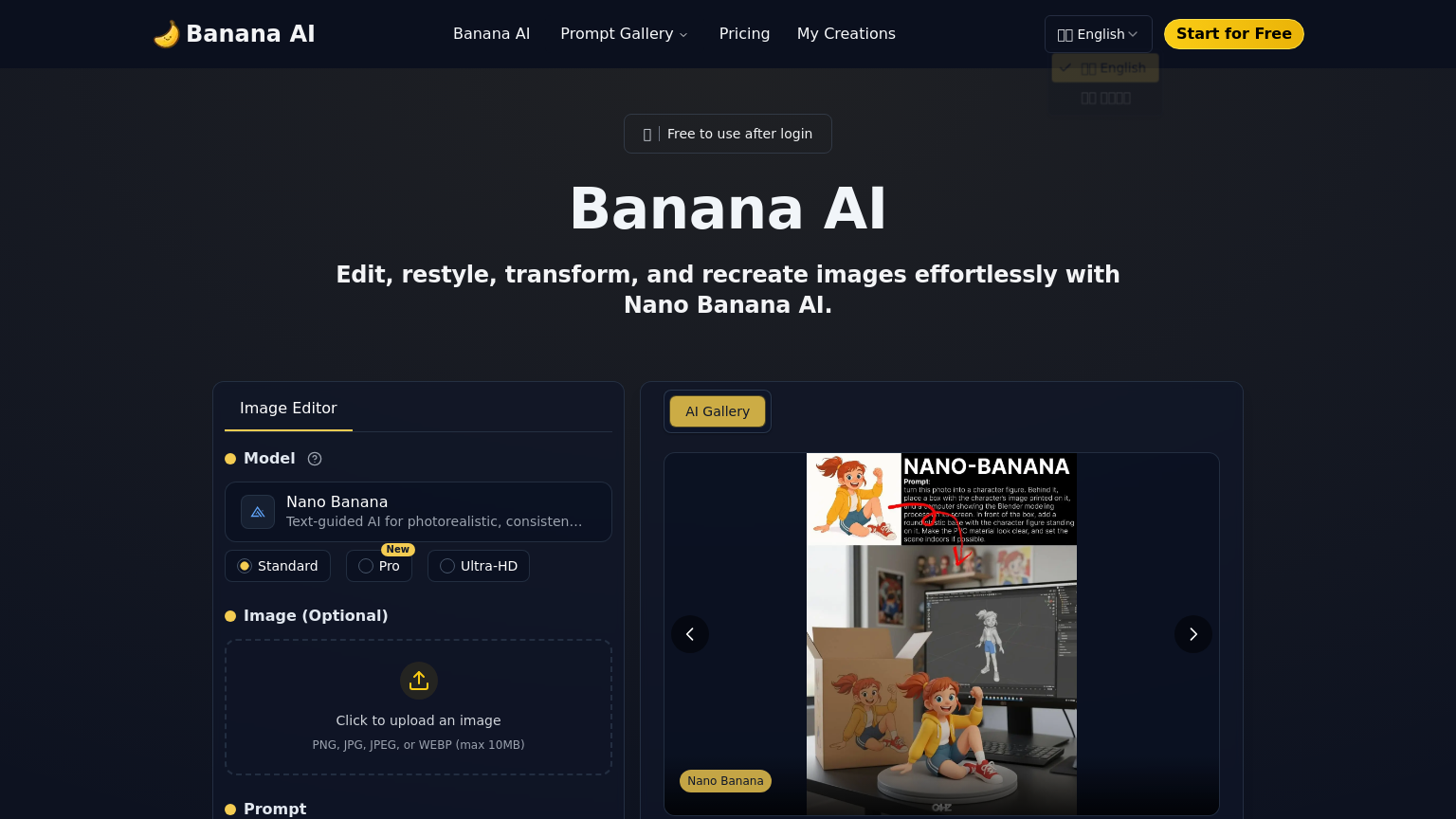
Banana AI is a high-speed photo editor designed for text-guided image generation and sophisticated visual modifications. Powered by the Google Gemini 2.5 Flash model, it allows users to perform identity-consistent edits, style conversions, and background replacements in seconds.
What is Banana AI
Banana AI (banana-ai.org) is a powerful, text-guided image editing platform that supports a wide array of formats including PNG, JPG, JPEG, and WEBP for files up to 10 MB. Utilizing the advanced Google Gemini 2.5 Flash Image model, the tool provides near-instant processing times of 1–2 seconds for complex tasks such as 3D-figurine conversion, age transformation, and lighting adjustments. It is specifically engineered to maintain identity consistency, ensuring that the subject's core features remain stable even after applying dramatic style changes like watercolor, oil, cyberpunk, or anime filters.
The platform features a robust prompt gallery and reusable templates tailored for portraits, fashion, and wildlife, making it an ideal choice for content creators and marketers who need to produce high volumes of localized or stylized assets. With additional support for batch editing and multiple aspect ratios, Banana AI streamlines the creative workflow by eliminating the need for manual, time-consuming post-processing in traditional design software.
How to use Banana AI
- 1 Navigate to banana-ai.org and upload an image in PNG, JPG, or WEBP format.
- 2 Select a pre-defined template or enter a custom text prompt describing the desired edit.
- 3 Choose a style conversion or specific operation like background replacement or age transformation.
- 4 Click generate and wait 1–2 seconds for the AI to process the request.
- 5 Review the result to ensure identity consistency and lighting accuracy.
- 6 Download the edited image or share it directly to social media platforms.
Primary Features
Applications & Use Cases
- Producing identity-preserving product and model images for e-commerce to eliminate expensive reshoots.
- Creating stylized portrait variations for social media campaigns while keeping the subject's face recognizable.
- Batch-processing large image sets with unified color grading and lighting for marketing materials.
- Transforming standard photos into 3D-style figurines or age-progressed versions for creative mockups.
Tags
Pricing
Free credits available, Paid plans starting from $9.90/mo.
Category