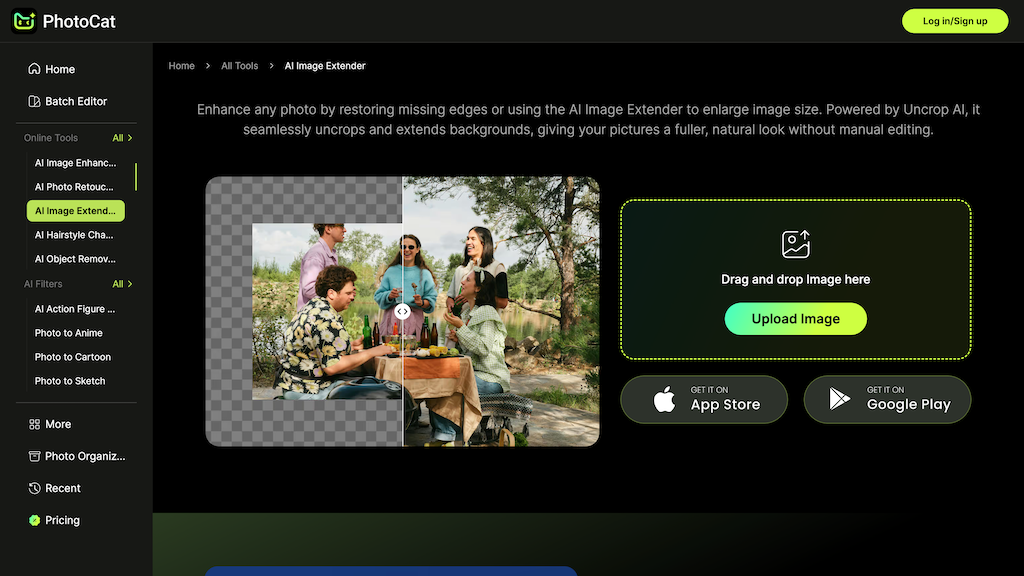
AI Image Extender - PhotoCat
PhotoCat AI Image Extender uses generative technology to uncrop and expand photo backgrounds while maintaining original lighting and texture. It provides presets for all major social media formats, enabling users to resize images up to 4K resolution without quality loss.
What is AI Image Extender - PhotoCat
PhotoCat AI Image Extender is a specialized graphic tool designed to solve the problem of tight cropping and mismatched aspect ratios. By utilizing scene-aware generative AI, the platform analyzes the content of an existing image and generates new, matching pixels around the edges to expand the background. This process carefully preserves the original lighting, texture, and perspective, ensuring that the extension is virtually indistinguishable from the original photo.
The tool is particularly useful for social media managers and e-commerce sellers, as it offers seven preset canvas sizes tailored for platforms like Instagram, TikTok, and YouTube. Beyond simple extension, PhotoCat integrates additional features such as neural upscaling, noise reduction, and old photo restoration. Users can transform vertical portraits into horizontal banners or extend landscapes into wide panoramas with a simple drag-and-drop workflow, resulting in sharp, 4K-ready visuals for professional use.
How to use AI Image Extender - PhotoCat
- 1 Go to the PhotoCat AI Image Extender website and upload your JPG or PNG image.
- 2 Choose a preset aspect ratio (e.g., 16:9 for YouTube) or set custom dimensions.
- 3 Use the 'Uncrop' tool to specify which directions you want to extend the background.
- 4 Click 'Generate' and let the AI analyze and fill in the new pixels.
- 5 Optional: Apply noise reduction or upscaling to enhance the final image quality.
- 6 Preview the result and download your extended image in up to 4K resolution.
Primary Features
Applications & Use Cases
- Extending a tight portrait into a wide website hero banner while maintaining realistic details.
- Resizing product photography to meet various e-commerce platform requirements without re-shooting.
- Converting vertical mobile photos into horizontal cinematic shots for video backgrounds.
- Restoring missing edges in old, damaged family photos to create a complete, high-quality print.
Tags
Pricing
Free to try, Paid subscription for full access.
Category